Settings, Security & Privacy
Settings, security, and privacy
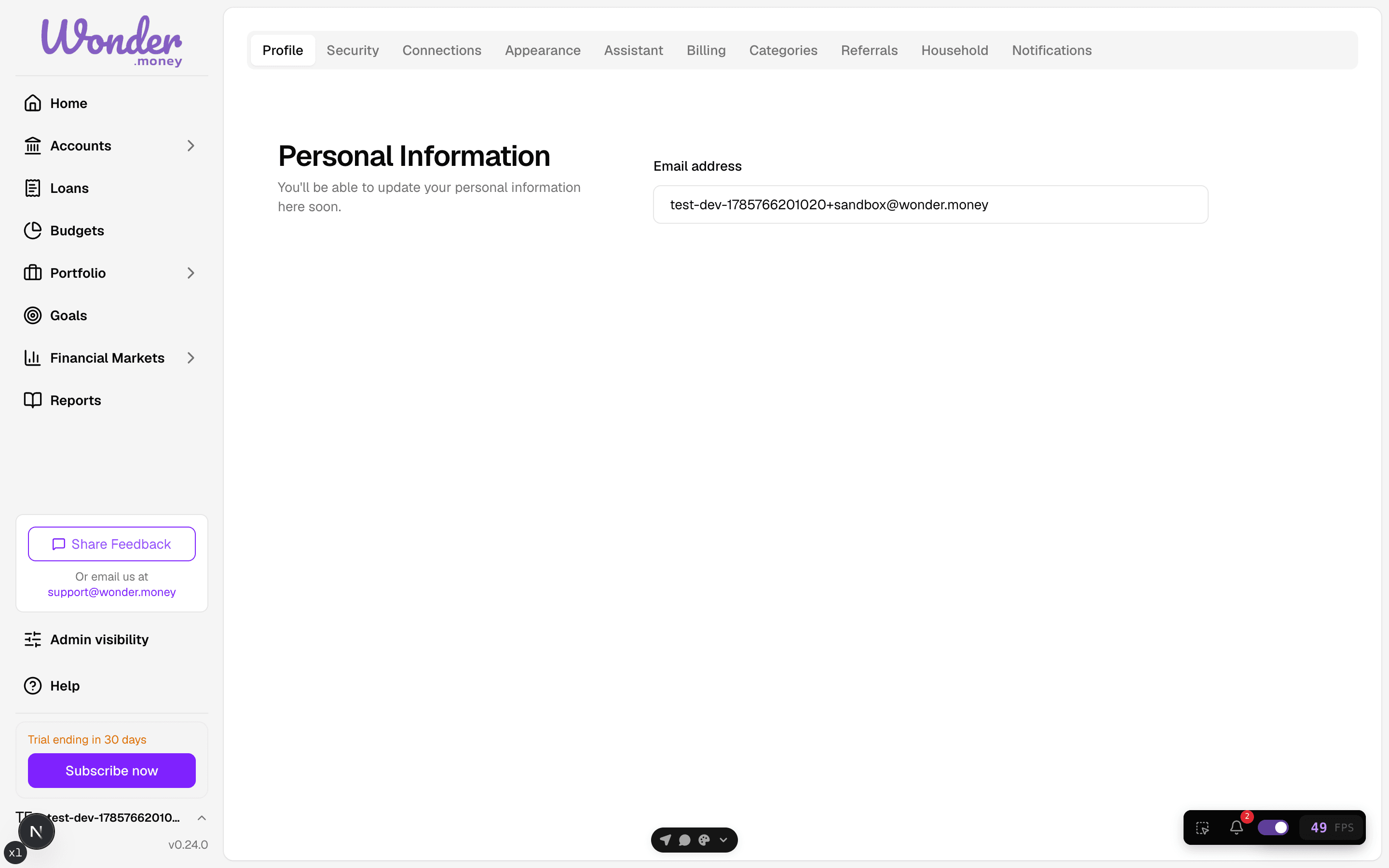
Manage account details, password, two-factor authentication, email preferences, assistant settings, and privacy controls.
Use these pages to control how your account looks, how it is protected, how you are contacted, and how your data is used.
What this section covers
- Profile preferences and appearance
- Email preferences
- Password changes
- Two-factor authentication
- Assistant consent and settings
- Data privacy and account deletion
- Bank access and connected services
Where to go
- Use Security for password and 2FA changes.
- Use Email preferences to control which email categories you receive and to turn them all off at once.
- Use Assistant for assistant consent, launcher visibility, and audit log controls.
- Use Data privacy for privacy-related account settings and consent choices.
- Use Read-only bank access to understand what bank data the app can read.