Settings, Security & Privacy
Appearance
Change the visual style and display preferences in WonderMoney.
Use appearance settings to make the interface easier to read and more comfortable to use.
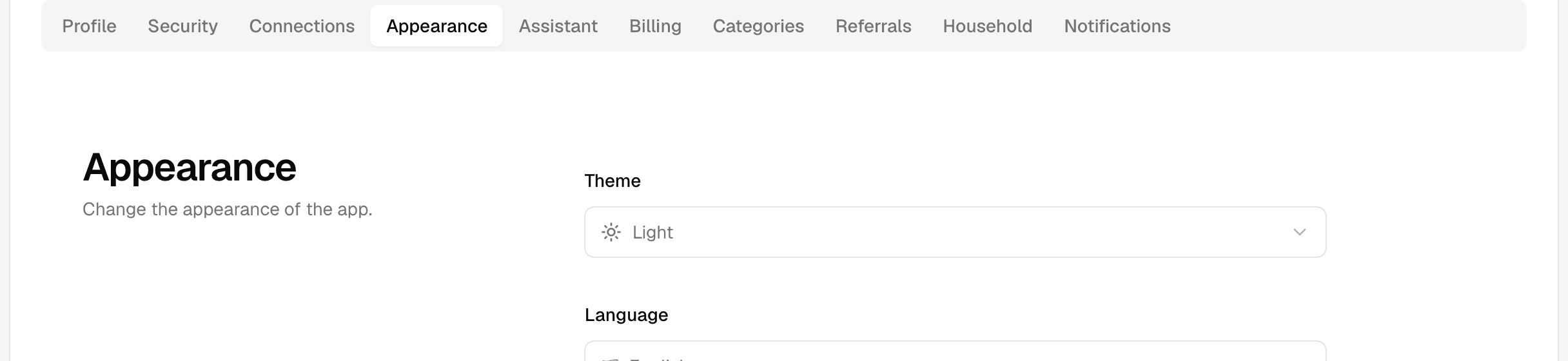
What you can change
- Light or dark appearance, when available.
- System-based appearance that follows your device settings.
- Display options that change spacing or contrast, if offered.
How the setting works
Appearance changes usually apply immediately across the app. If the setting follows your device theme, WonderMoney may switch automatically when your system theme changes.
When to use it
Choose a different appearance if text is hard to read, screens feel too bright, or you want the app to match your device.
What to check
- Whether the change applies to the current device only.
- Whether your browser or device is overriding the chosen theme.
- Whether a refresh is needed after saving the preference.
What to try if the change is not visible
- Refresh the page.
- Check the browser zoom and system display settings.
- Sign out and back in if the preference still does not apply.