Settings, Security & Privacy
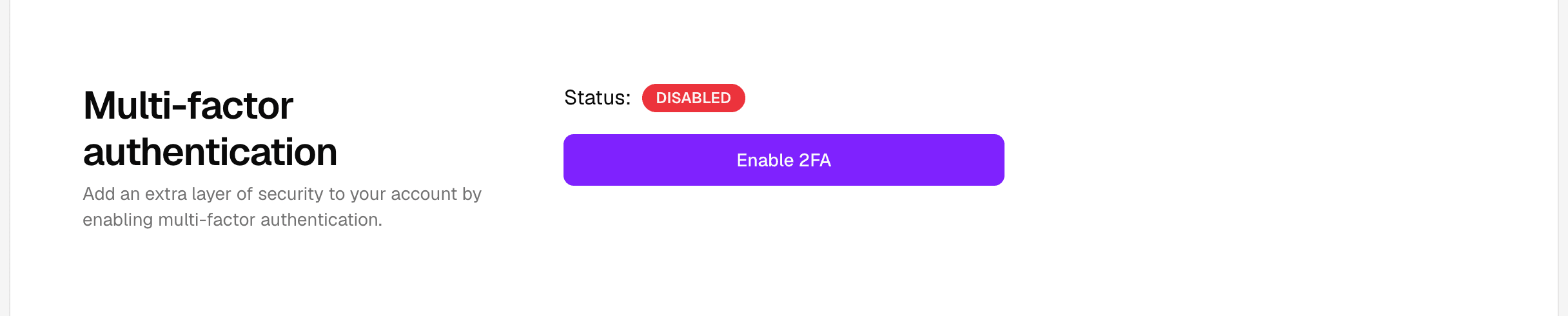
Two-factor Authentication
Add a second step to sign-in using an authenticator app.
Two-factor authentication adds another check when you sign in.
It is most useful when you want extra protection on top of your password.
Common issues
- The code has expired.
- The authenticator app is using the wrong account.
- The device time is out of sync.
What to try
- Enter the most recent code shown by your authenticator app.
- Check the time on the device that generates codes.
- Make sure you are using the correct account entry in the authenticator app.
If you still cannot sign in, use recovery options if they were saved when the feature was enabled.