Settings, Security & Privacy
Manage Categories
Create, edit, merge, and review categories used across WonderMoney.
Categories keep transactions and budgets organized. Use this page to understand how category changes affect existing data.
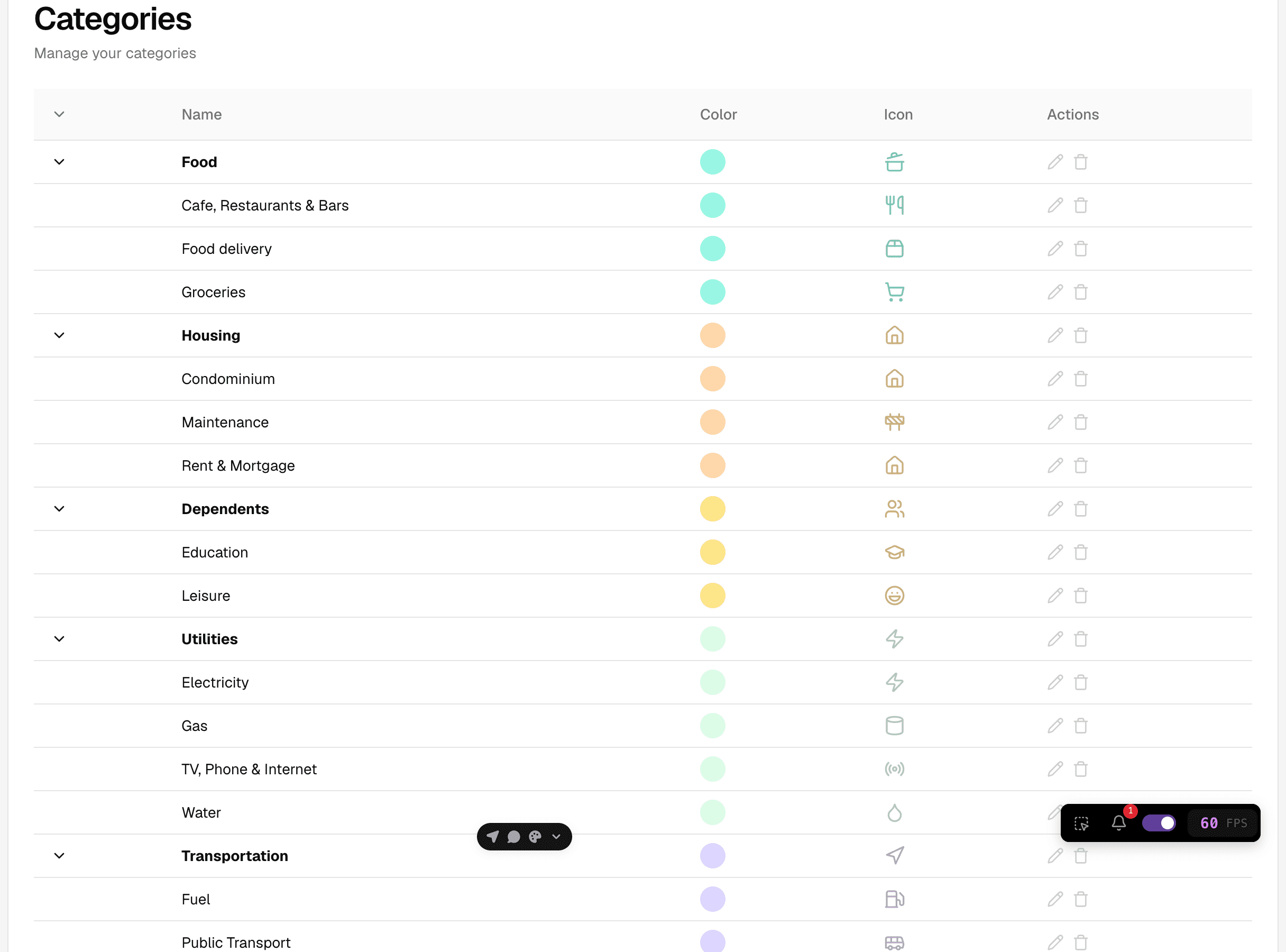
What you can manage
- Create a new category for a recurring type of expense or income.
- Rename a category without changing its purpose.
- Hide or archive categories you no longer want to use.
- Review where a category is already used before making larger changes.
How category changes work
Category changes usually affect future items first. Existing transactions may keep their current category unless you update them manually. If you rename a category, the new name appears wherever that category is shown. If you merge or replace a category, check that budgets and summaries still reflect the right group.
Before you edit categories
- Confirm you are in the right account.
- Check whether the category is already attached to budgets or imported transactions.
- Decide whether you want to rename, hide, or replace the category.
What to do
- Open category settings.
- Select the category you want to change.
- Apply the edit and review the preview, if one is shown.
- Save and verify the category in a transaction or budget screen.
Common mistakes
- Creating duplicate categories with slightly different names.
- Hiding a category that is still used in summaries.
- Renaming a category without checking imported data.