Settings, Security & Privacy
Change Password
Update the password for your WonderMoney account.
Use this page if your account signs in with email and password.
If sign-in happens through Google or another provider, password changes may need to happen in that provider instead.
If you sign in with Google, password changes are not shown on this page.
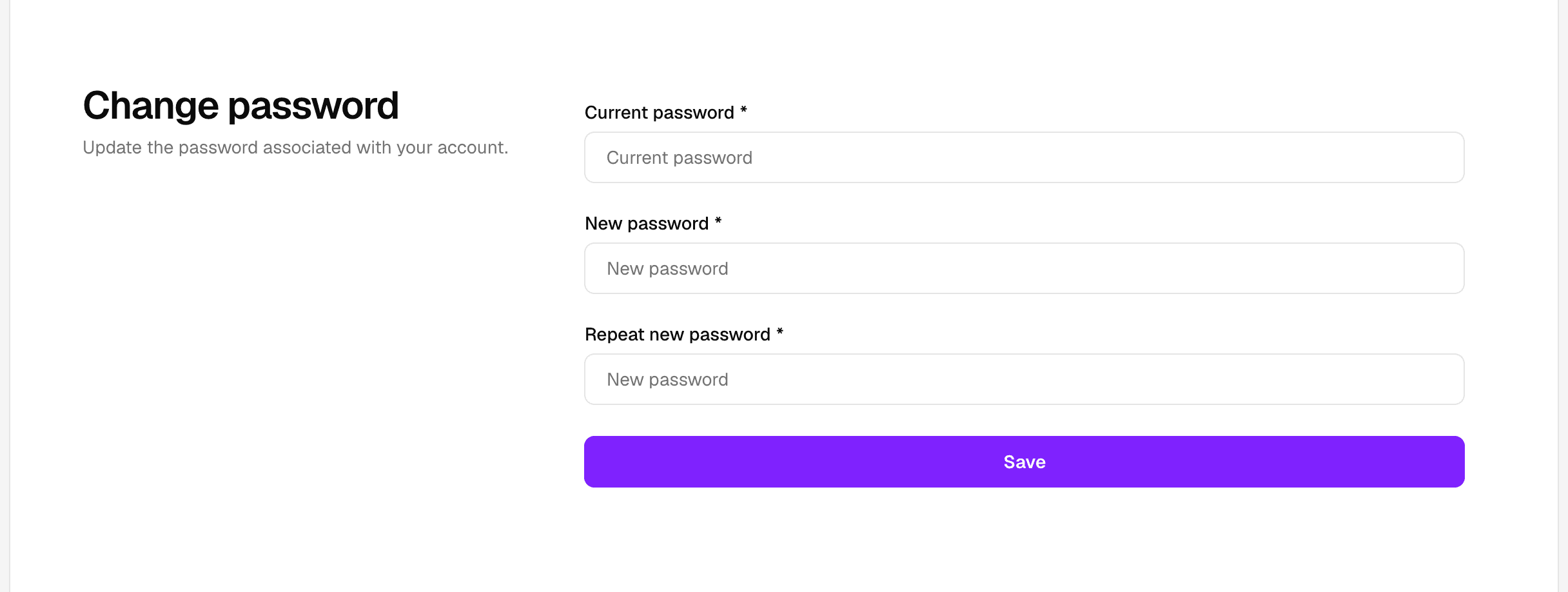
To change the password:
- Open Security in settings.
- Enter your current password.
- Enter a new password.
- Save the change.
If the password is rejected, confirm that the current password is correct and that the new one meets the account rules.