WonderMoney Docs
Help center for setup, accounts, budgets, portfolio, household, security, and troubleshooting.
WonderMoney Docs is the help center for using the product day to day. Choose the section that matches your task.
To look around before you create an account, try the demo: choose Try the demo on the sign-in page of the hosted instance to open a sample household. Everyone shares it, so it is read-only, and it resets every day.
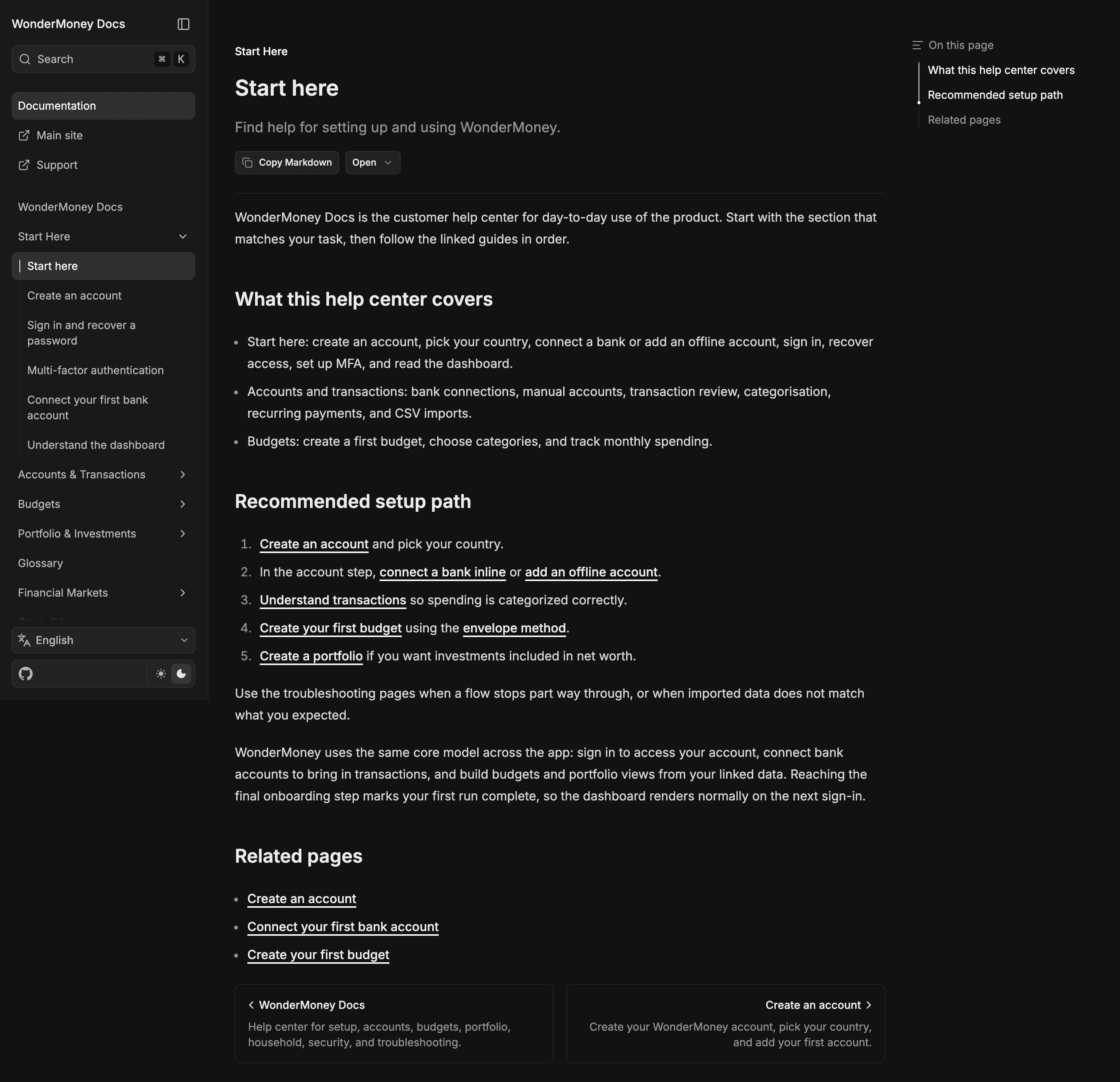
Help center sections
- Start here — Account setup, first steps, and dashboard basics.
- Glossary — Plain-language definitions for budget, portfolio, account, household, security, and privacy terms.
- Accounts and transactions — Connect banks, review transactions, and manage imports.
- Budgets — Create budgets, choose categories, and track spending.
- Goals and loans — Set goals, link accounts, and track repayments.
- Portfolio investments — Create portfolios, import transactions, and review allocation.
- Financial markets — Search instruments, follow watchlists, and read market data.
- Household and multi-user support — Share accounts, budgets, and goals with the people you live with.
- Settings and security — Profile, appearance, privacy, and account security.
- Self-hosting — Run your own WonderMoney server with Docker Compose.
- Troubleshooting — Problems with sign-in, bank connections, budgets, or imports.
- What's new — What changed in each release, and what self-hosters need to do to upgrade.
What these docs cover
- Setup and onboarding
- Day-to-day account management
- Budgeting and financial planning
- Portfolio and market features
- Shared household finances
- Privacy and security
- Support for common issues