Goals & Loans
Goals and loans
Learn how goals and loans work in WonderMoney.
Goals and loans help you track money that has a specific purpose or a specific liability.
Use this section to create goals, plan for paying down debt, record loans or credit facilities, link context accounts, and track repayments.
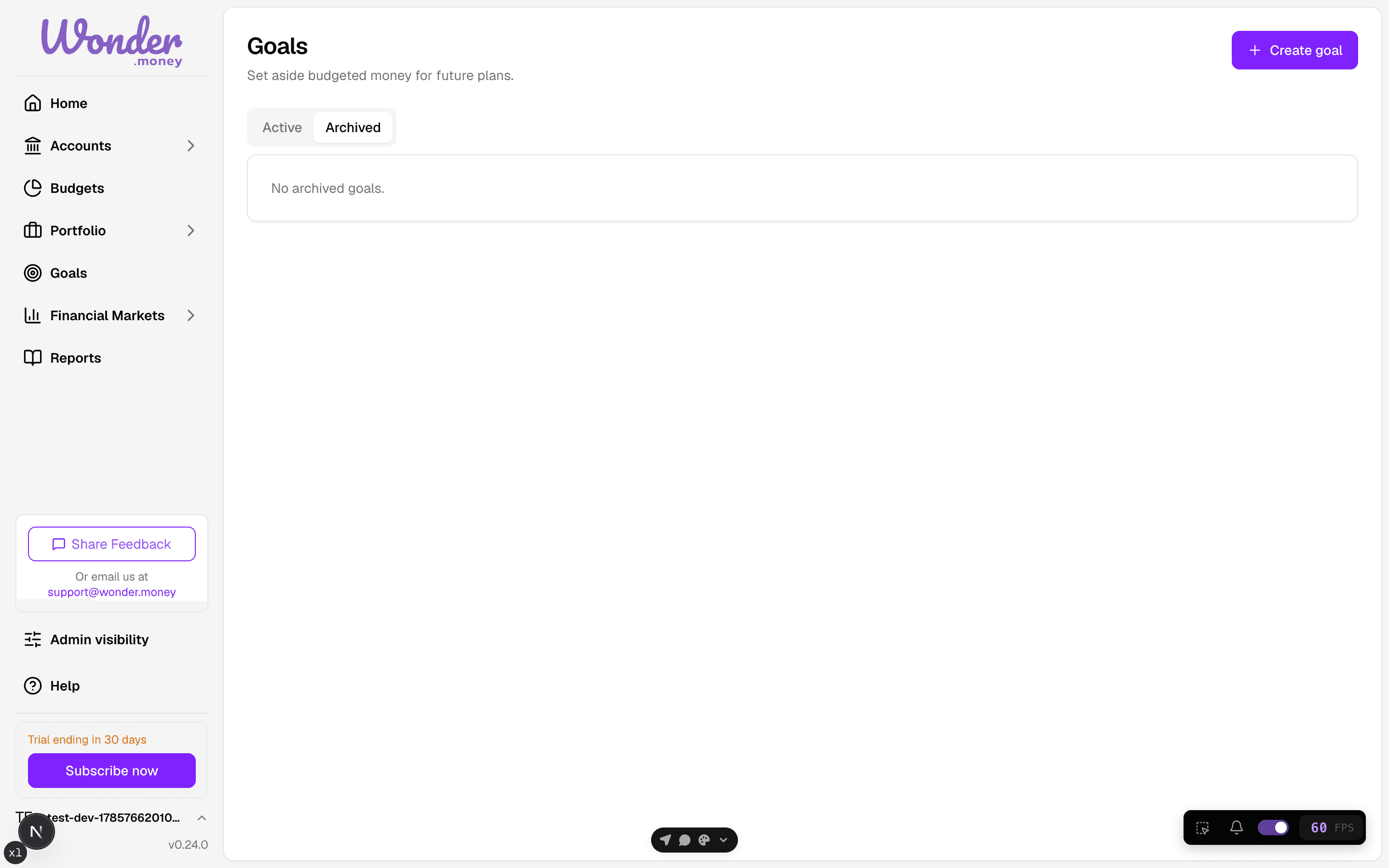
What you can do here
- Create a save up goal for money you are setting aside, or a debt pay down goal for liabilities you are paying off.
- Order goals by priority in your lists.
- Review archived goals and restore them when needed.
- Add a loan or credit facility for liabilities you want to track.
- Link a goal to an account as context.
- Assign money to a goal within the available-to-assign ceiling of your budget.
- Record repayments against a loan.
How it works
Goals are budget-backed reserves. They track what money is for, not which account holds it. Assigning money to a goal is limited by what is available in your budget; the available-to-assign ceiling shows this limit before you assign. Loan entries help you monitor what you owe and how repayments change the balance over time.
For plain-language definitions of budget terms, see the glossary.
Common mistakes
- Expecting a goal link to move money automatically.
- Treating account links as an official balance or transfer record.
- Mixing goal progress with bank account balances.
- Using the module to plan investment returns. It is for goals and liabilities, not projections.