Budgets
Create, manage, and track monthly budgets in WonderMoney.
Use this section when you want to create a budget, choose categories, or review spending against plan.
It is the starting point for monthly planning and for checking whether spending is still on track.
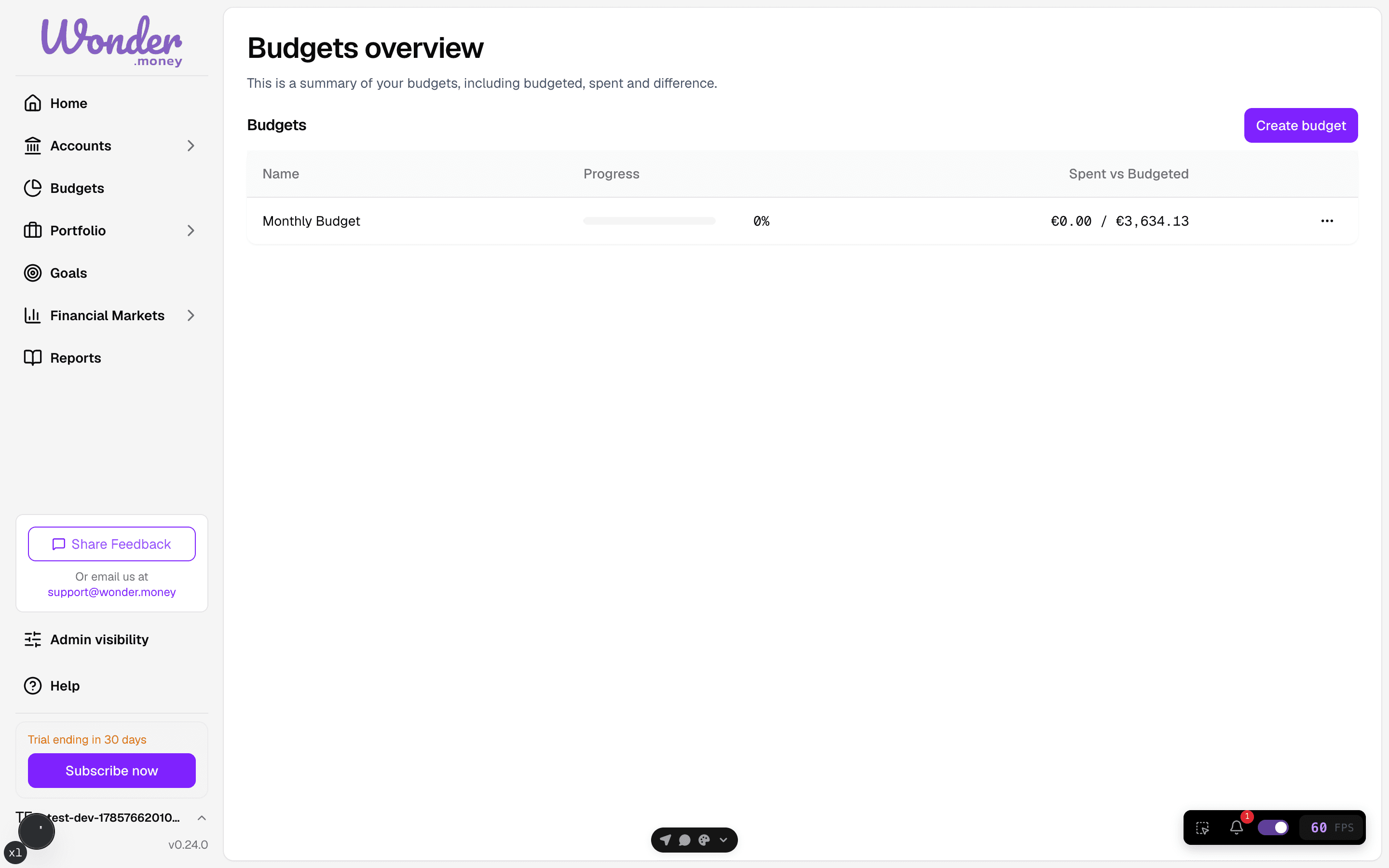
What this area covers
- Creating the first budget
- Household size and dependents
- Category selection and category structure
- Monthly spending review
- Editing or deleting a budget
How to think about budgets
WonderMoney uses an envelope-style approach: each category has a monthly target, spending reduces what remains, and the point is to spot trade-offs early.
If you want the full model, read Budgeting with the envelope method and check the related glossary terms for budget, category, and monthly target.
How the flow works
WonderMoney builds budgets from monthly templates and category groups. You start with household details, move through category selection, and then review the resulting budget against income and actual spending.
If you have no budget yet, the empty state points you to the first budget flow.
When a budget already exists, return here to adjust categories or review monthly progress before making changes.