Missing or duplicate transactions
Understand how duplicates are prevented and what to do when a transaction is missing.
WonderMoney prevents duplicates as part of its normal transaction pipeline, so most cases of a repeated transaction are resolved automatically. When a transaction is missing or still appears twice, the cause is usually timing, a connection issue, or a manual entry that overlaps with an import.
How duplicates are handled
Each transaction carries a fingerprint that identifies it. When incoming data matches an existing fingerprint, the duplicate is dropped instead of creating a second row. On the rare occasion the match is uncertain, the transaction is kept and flagged with a hint so you can decide.
Every decision is recorded in the transaction audit log, including skipped duplicates and status changes. The fingerprint tolerance is deliberately narrow: two legitimate transactions that look similar — for example two identical purchases on the same day — are not treated as duplicates, because a distinct bank reference is enough to tell them apart.
Pending and posted versions
A pending card payment is matched to its posted version automatically when the bank confirms it, so the two should not remain separate. If the bank never confirms a pending payment, it expires after the configured window and shows as expired instead of lingering as a pending record.
Before you start
Confirm the account, date range, and category filters before looking deeper. If the bank connection is stale, refresh it first.
Steps
- Check whether the transaction is pending, posted, expired, or still outside the selected date range.
- Review whether another account imported the same payment.
- Compare manual entries with imported entries.
- Remove or merge duplicates when the source is clear.
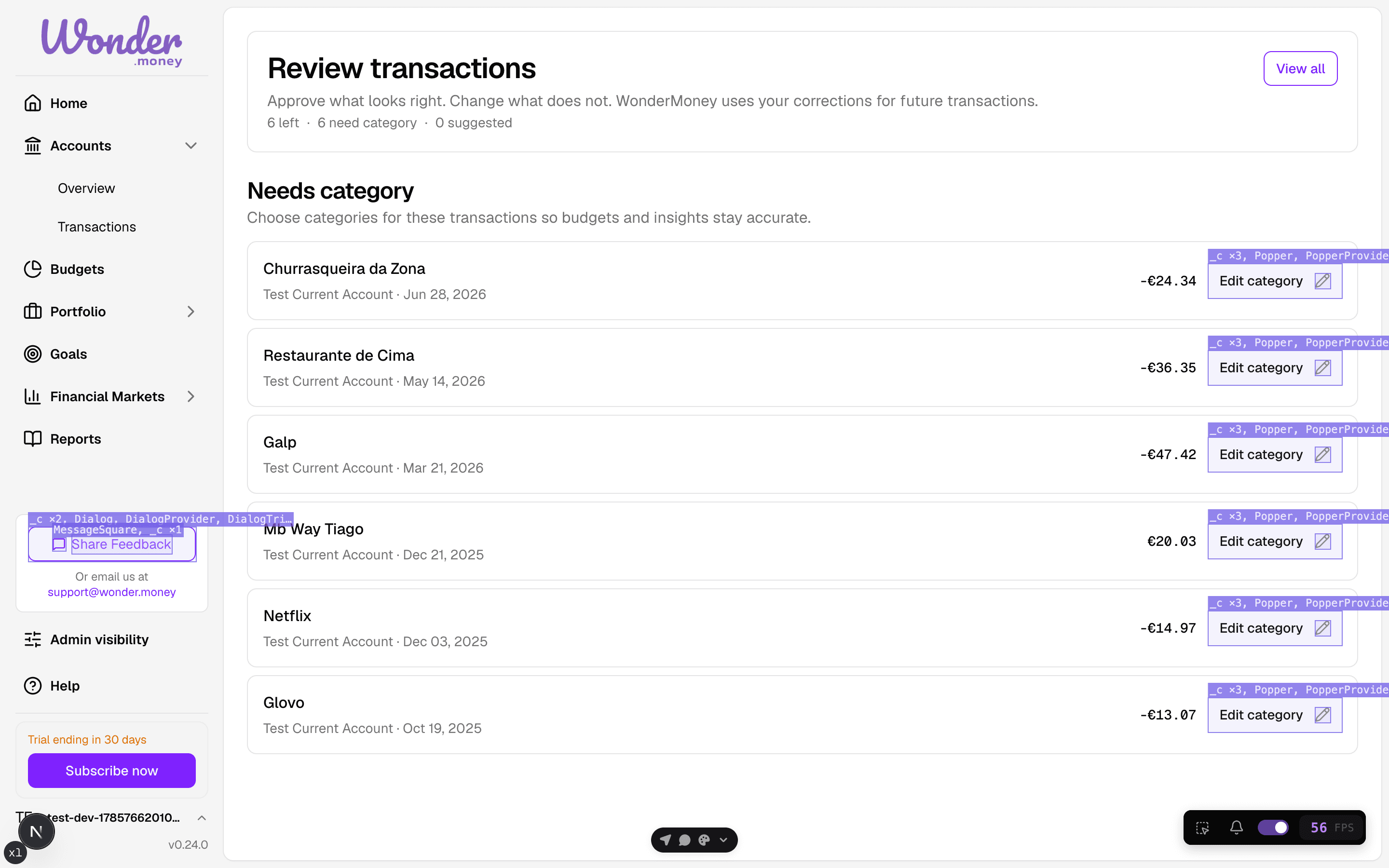
Review
After you correct the issue, check the account again after the next sync. The same problem should not reappear if the source was fixed.
Common issues
- A manual entry was added before the bank import arrived, and a hint suggests it may be a duplicate.
- A pending transaction shows as expired because the bank never confirmed it.
- The bank omitted a transaction until the next refresh.
- The wrong date filter made the transaction look missing.