Transaction Import Problems
Steps to diagnose transaction import problems in WonderMoney.
An unreadable file is rejected with an error message instead of being imported silently, so you can fix the file and try again.
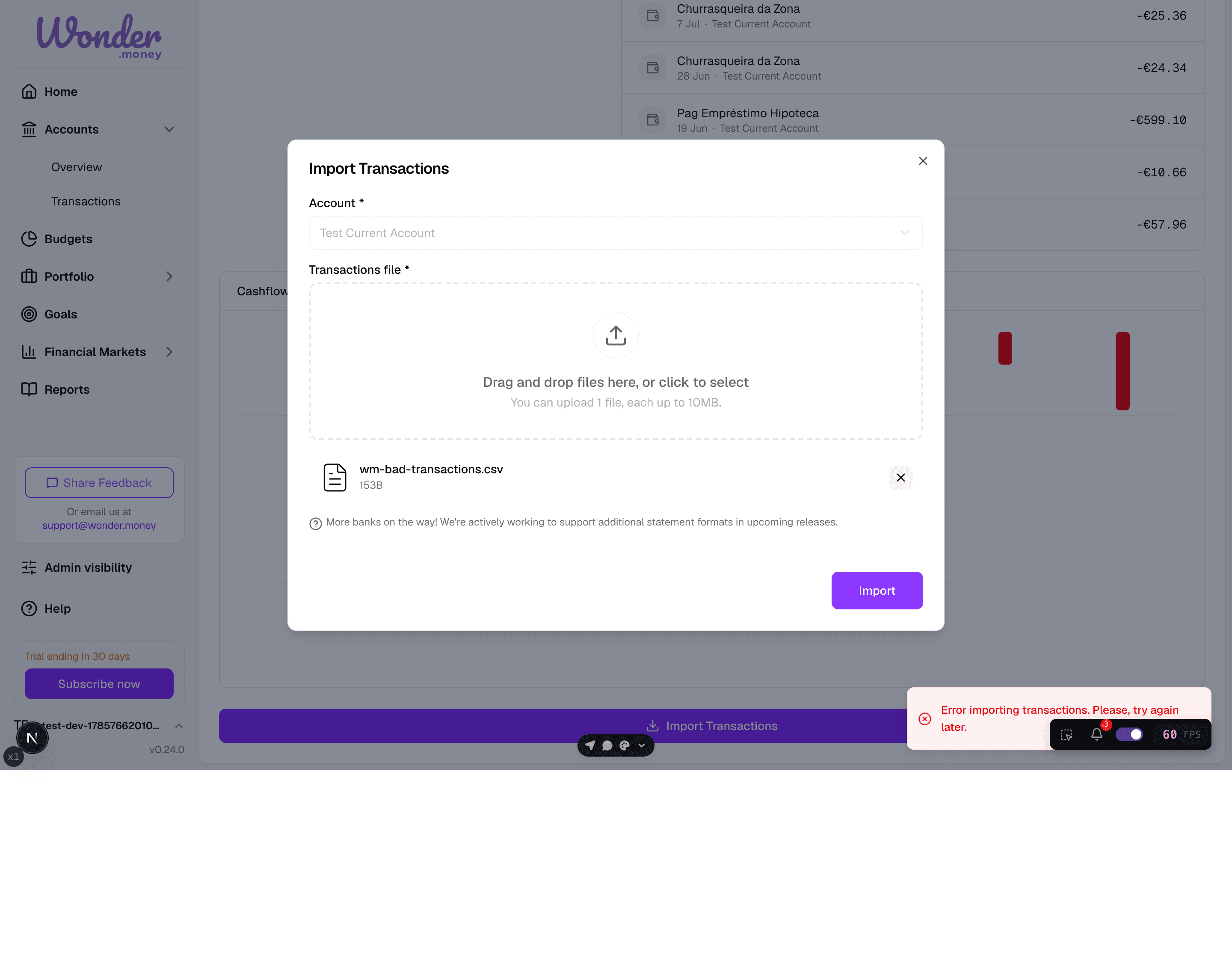
Symptoms
- An import file is rejected.
- The import finishes but transactions do not appear.
- Some rows are skipped.
- Dates, amounts, or descriptions look wrong after import.
What to check
- Whether the file format matches the import tool.
- Whether the column headers and separators are correct.
- Whether the file includes duplicate or blank rows.
- Whether the account and date range match the data you want.
What to try
- Re-export the file from the source system if possible.
- Remove duplicate rows and empty lines.
- Check the column mapping before confirming the import.
- Try a smaller file to isolate the problem.
Similar transactions and duplicates
WonderMoney identifies duplicates using a transaction fingerprint built from transaction details such as date and amount. Fingerprint tolerance has been strengthened, so two transactions that are similar but legitimate — for example, two purchases of the same amount on the same day — are no longer skipped as duplicates. When a true duplicate is detected, the original entry is kept and the decision is recorded in the audit log, so nothing is silently overwritten.
For more on how transactions are matched and stored, see Understand transactions.
When to contact support
Contact support if the file follows the required format but imports still fail, or if the import creates incorrect transactions that you cannot correct manually.