Troubleshooting
Sign In Problems
Steps to diagnose sign-in problems in WonderMoney.
The sign-in form reports invalid credentials with an error message instead of opening the app, so you can correct the email or password and try again.
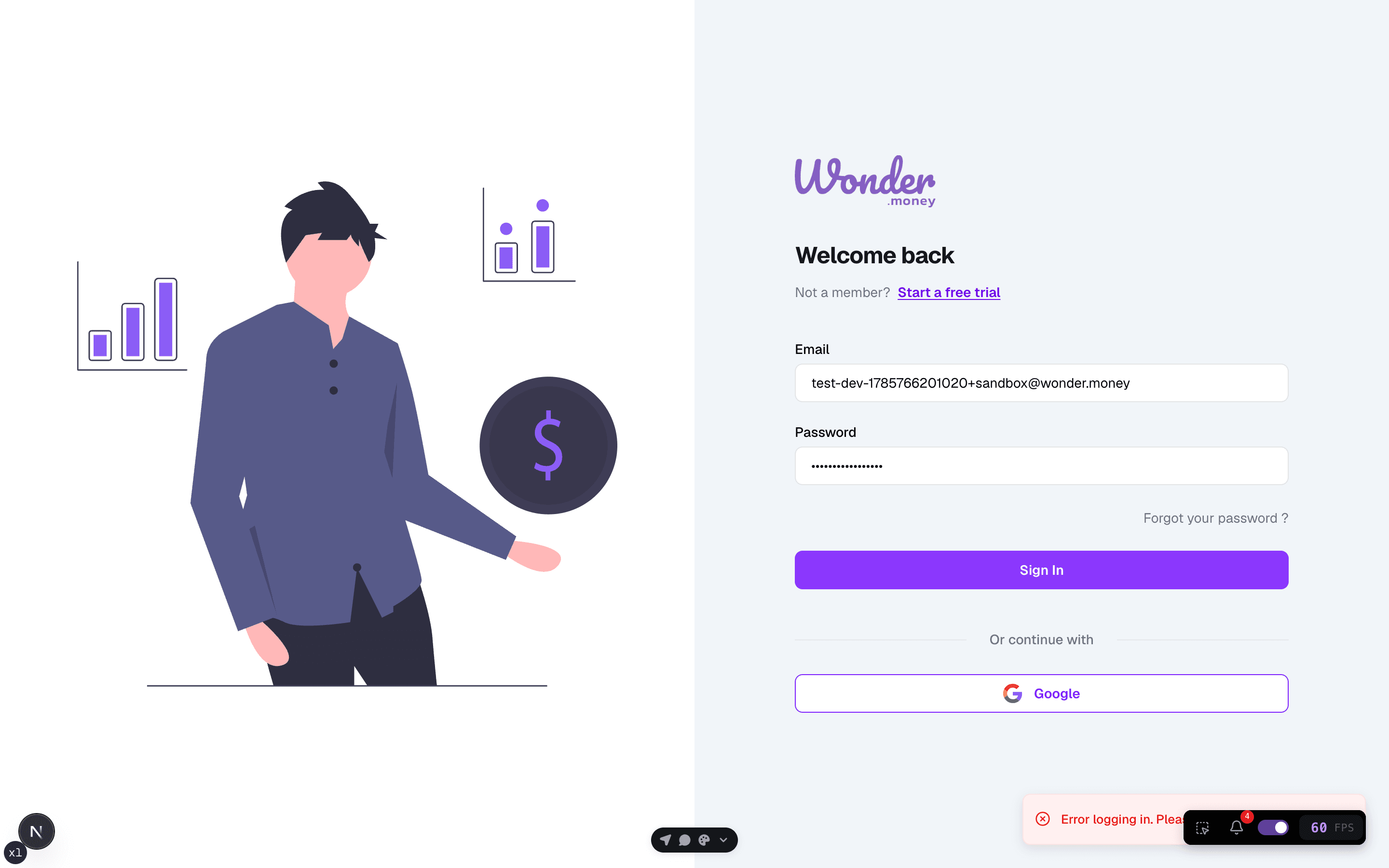
Symptoms
- You cannot sign in with the expected email.
- The password is rejected.
- The page loops back to the sign-in screen.
- A verification step does not complete.
What to check
- Whether you are using the correct email address.
- Whether the account was created with the same login method.
- Whether browser cookies are enabled.
- Whether the problem happens in one browser only.
What to try
- Re-enter the email and password slowly.
- Clear the browser cache or open a private window.
- Reset the password if the account supports it.
- Try another browser or device.
When to contact support
Contact support if you can reset the password but still cannot sign in, or if the account seems to exist but the login flow never completes.