Troubleshooting
Budget Setup Problems
Steps to diagnose budget setup problems in WonderMoney.
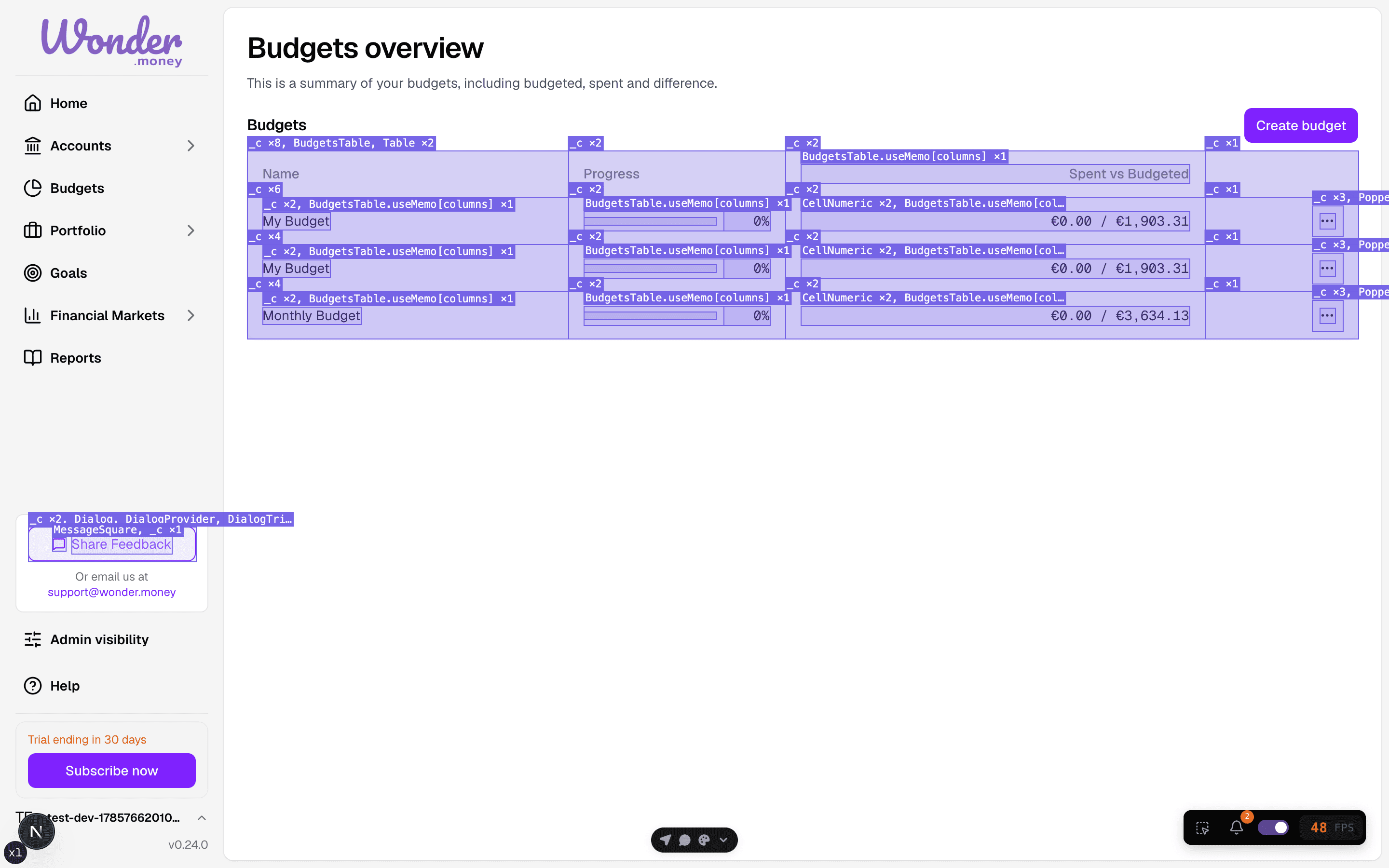
A budget that has not been set up fully shows zero progress against the planned amounts, so you can see at a glance what is missing.
Symptoms
- The budget cannot be saved.
- Categories or amounts do not match what you entered.
- The budget summary shows unexpected totals.
- A budget period starts on the wrong date.
What to check
- Whether required fields are filled in.
- Whether the budget period and currency are correct.
- Whether categories already exist or need to be created first.
- Whether transactions and budget rules are in the same account.
What to try
- Re-open the budget and review all required fields.
- Check the selected period and start date.
- Simplify the budget and add categories one by one.
- Refresh the page and save again.
When to contact support
Contact support if the budget keeps failing to save after you confirm the inputs, or if totals remain incorrect after refreshing and rechecking the setup.