Troubleshooting
Portfolio Import Problems
Steps to diagnose portfolio import problems in WonderMoney.
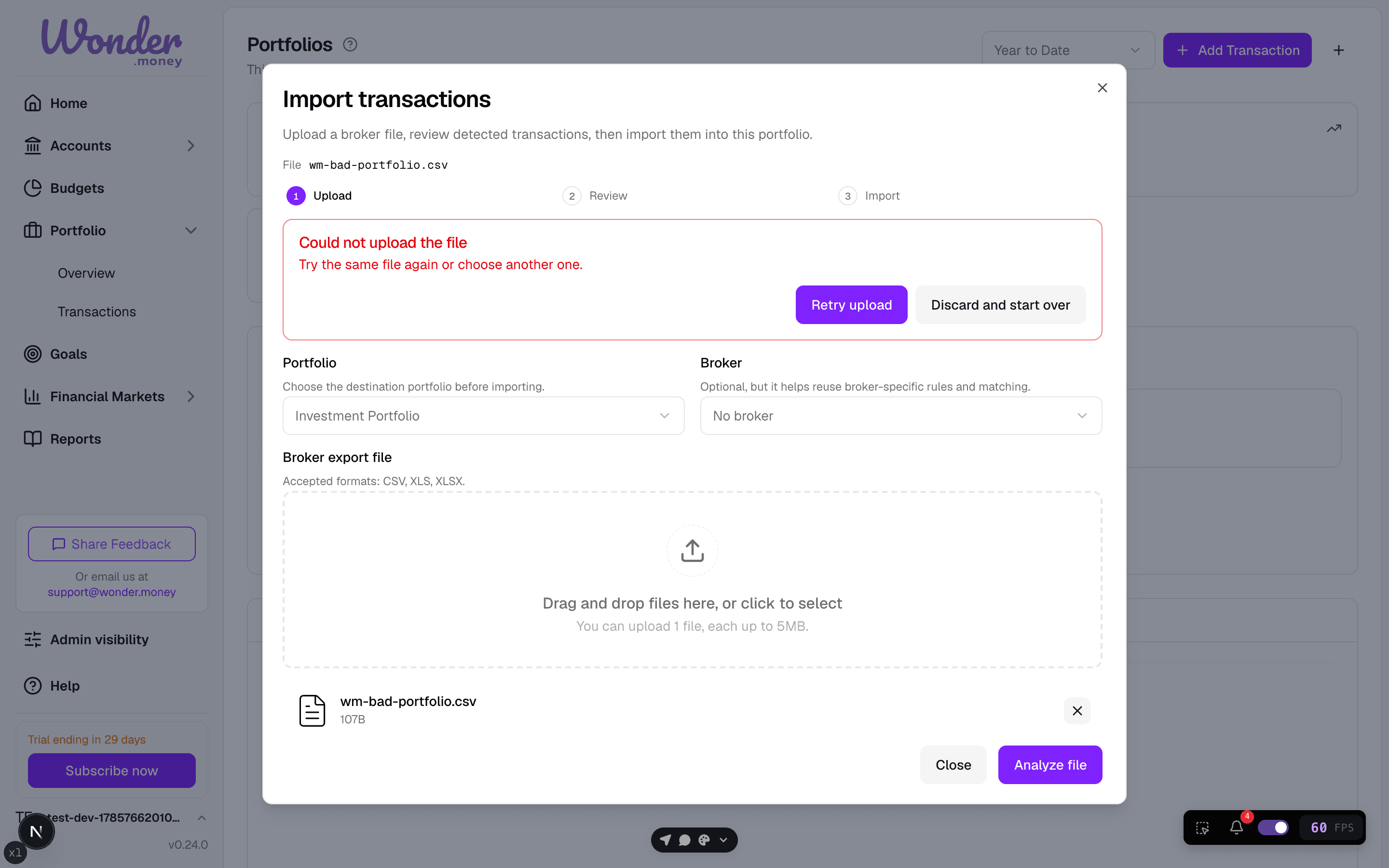
An invalid broker file is rejected before any data changes, with a clear error message and retry options.
Symptoms
- A portfolio file does not upload.
- Imported holdings show the wrong quantity or price.
- Transactions appear incomplete after import.
- The import reports an unsupported column or date format.
What to check
- Whether the file uses the expected format.
- Whether the portfolio date and currency are correct.
- Whether the file includes split holdings or adjustments that need special handling.
- Whether the source export is complete.
What to try
- Export the file again from the source platform.
- Confirm the columns match the import template.
- Remove extra rows, notes, or merged cells.
- Try importing a smaller sample file first.
When to contact support
Contact support if the file is valid but the portfolio still imports with the wrong values, or if the import fails on data that appears correct.