Accounts and transactions
Manage bank connections, transactions, recurring items, and imports.
Use this section when you need to connect accounts, review imported data, or correct transaction details.
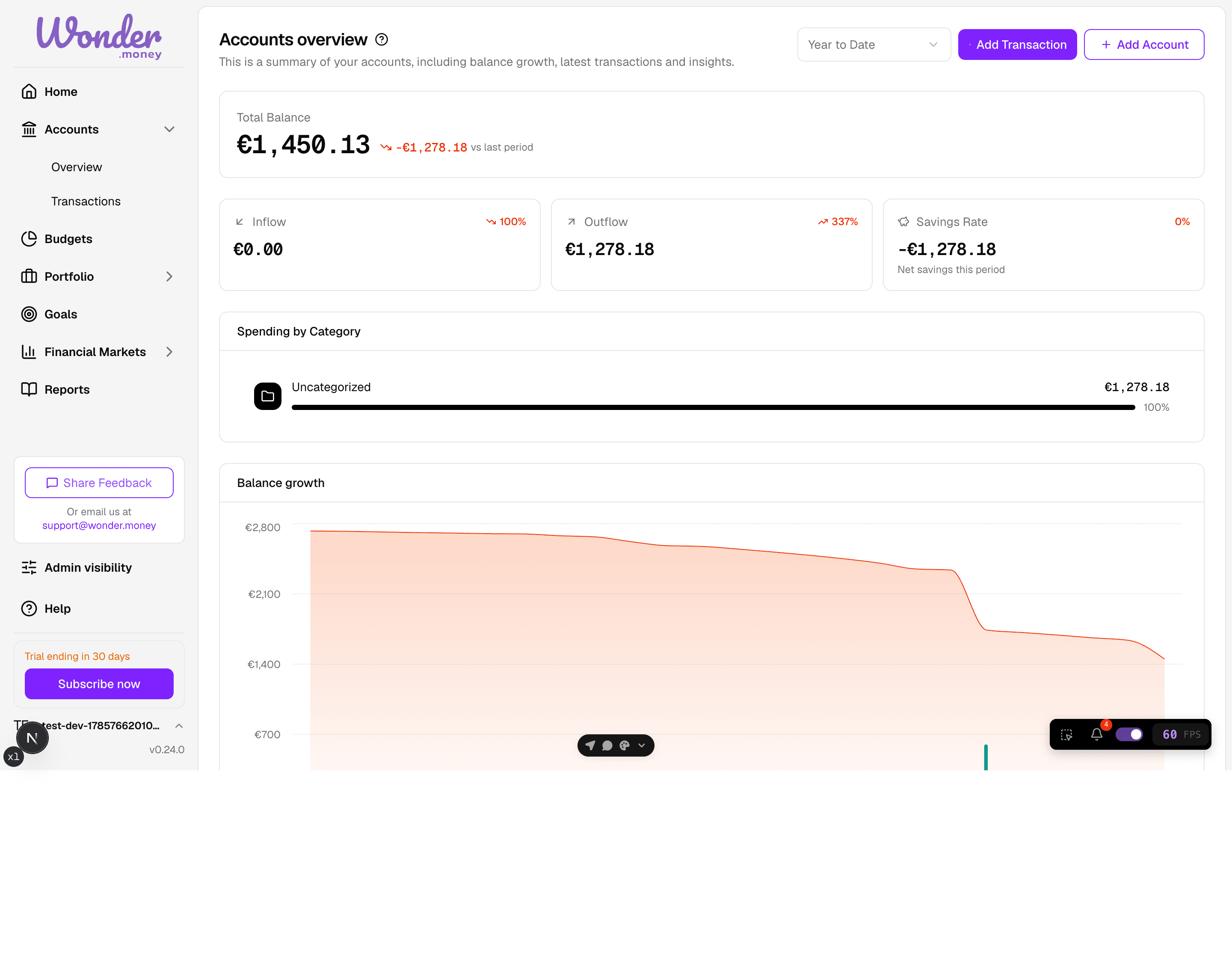
What this area covers
- Bank connections and sync status
- Manual offline accounts
- Transaction review and categorization, with confidence hints in the Review Inbox
- Missing or duplicate transactions and how duplicates are prevented
- Recurring payments
- CSV imports for supported accounts
How the flow works
WonderMoney keeps accounts, transactions, and recurring items connected to the same account context. A bank connection creates the data source, transactions appear in the review screens, and recurring detection groups repeating activity for follow-up.
Transactions follow a defined lifecycle. A card payment arrives as pending, is matched to its posted version when the bank confirms it, and is marked as expired if it never settles. The available balance is calculated net of pending activity, and every change to a transaction is recorded in an audit log. In the Review Inbox, each suggested category carries a confidence indicator, so you can focus on the items that most need your judgment.
If you are starting from nothing, begin with bank connections or a manual offline account. If your data is already in the app, move directly to transactions or recurring payments.