Accounts & Transactions
Manual offline account
Add an account that you update manually instead of syncing from a bank.
Use a manual offline account when you want to track cash, loans, or any balance you update yourself. It keeps those balances in the same place as your connected bank accounts without a live bank connection.
Before you start
Decide how often you will update the balance and whether you will add transactions one by one or only keep a current balance. Manual accounts work best when the update habit is clear.
Steps
- Open the account creation flow.
- Choose a manual or offline account type.
- Enter the account name, currency, and starting balance.
- Save the account and update it when the balance changes.
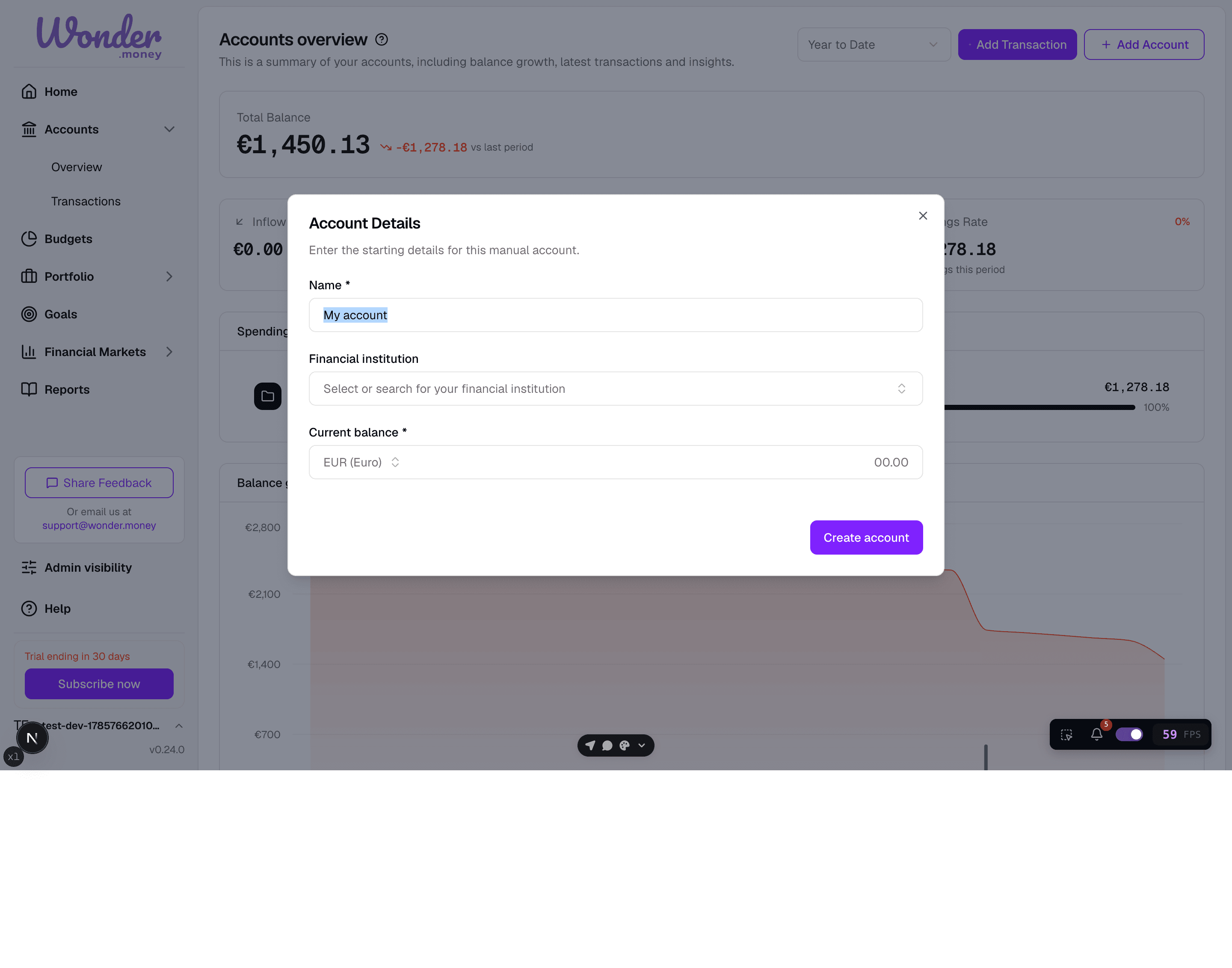
Review
Check the balance after the first save and compare it with your notes or statement. If you later connect the same account to a bank feed, review the entries before changing the source of truth.
Common issues
- The starting balance was entered in the wrong currency.
- The account name is too generic to recognize later.
- Manual entries were mixed with imported transactions.
- The balance was not updated after a cash withdrawal or repayment.