Import transactions from CSV
Import transaction history from a CSV file when bank sync is not available.
CSV import is useful when you need to bring historical data into WonderMoney or when a bank connection is not available. A clean file and correct column mapping make the import easier to verify.
Before you start
Check that the file contains the date, amount, and description fields you need. If possible, make sure all rows belong to the same account or currency.
Steps
- Export or prepare the CSV file.
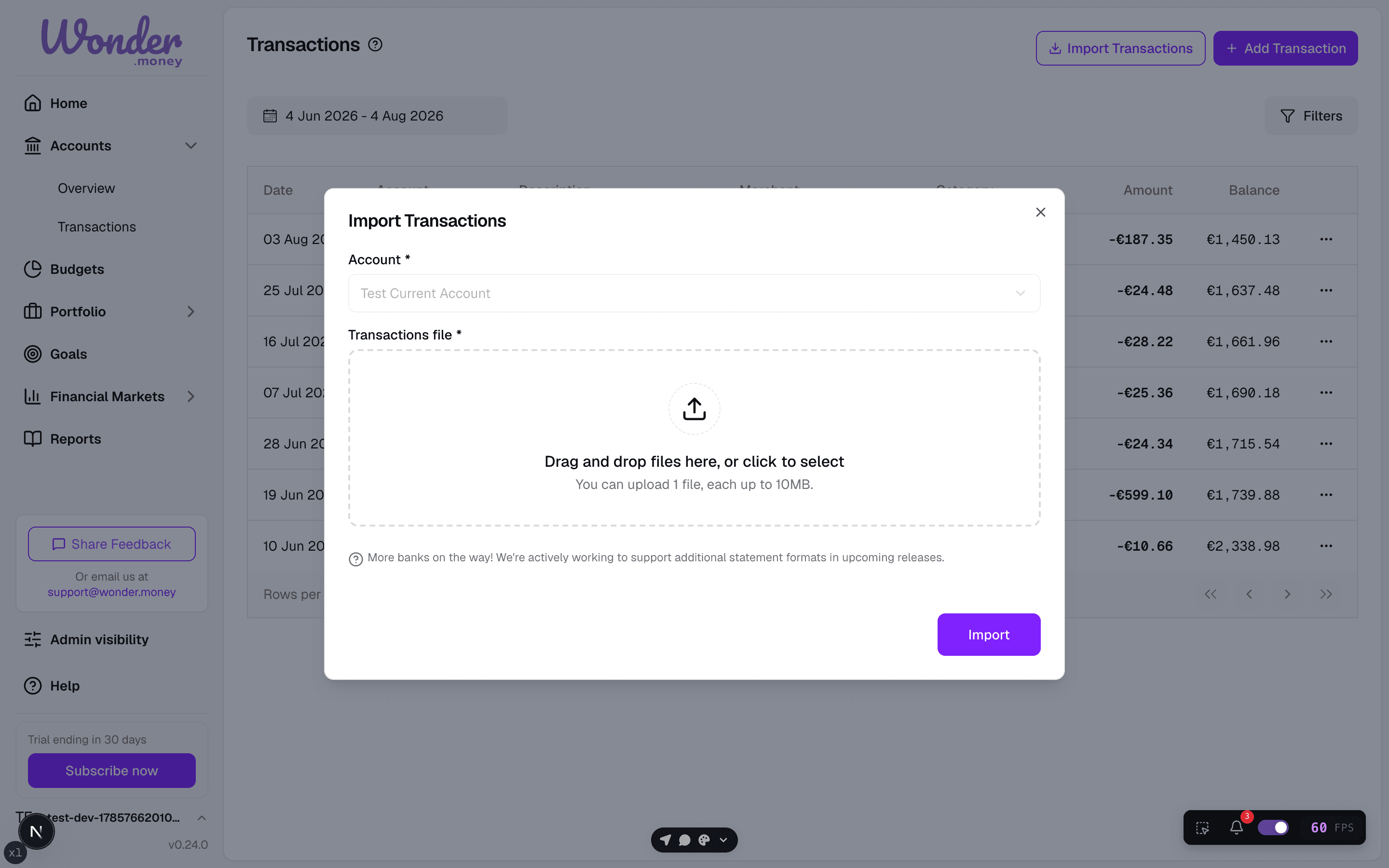
- Open the import flow and upload the file.
- Match the columns to the expected fields.
- Review the preview before completing the import.
Review
After import, compare the number of rows and the first few balances with the source file. If the file covers a long period, check that the dates were interpreted correctly.
Imported rows are categorized using the same deterministic categorizer as synced transactions, so the reason you see on a suggestion is consistent no matter how the transaction arrived. When you bulk-categorize imported rows, the chosen category is written to each transaction and the merchant mapping is updated for future imports.
Common issues
- The file uses an unexpected date format.
- Amounts are stored with the wrong decimal separator.
- Credits and debits are reversed.
- The same data was already imported from another source.