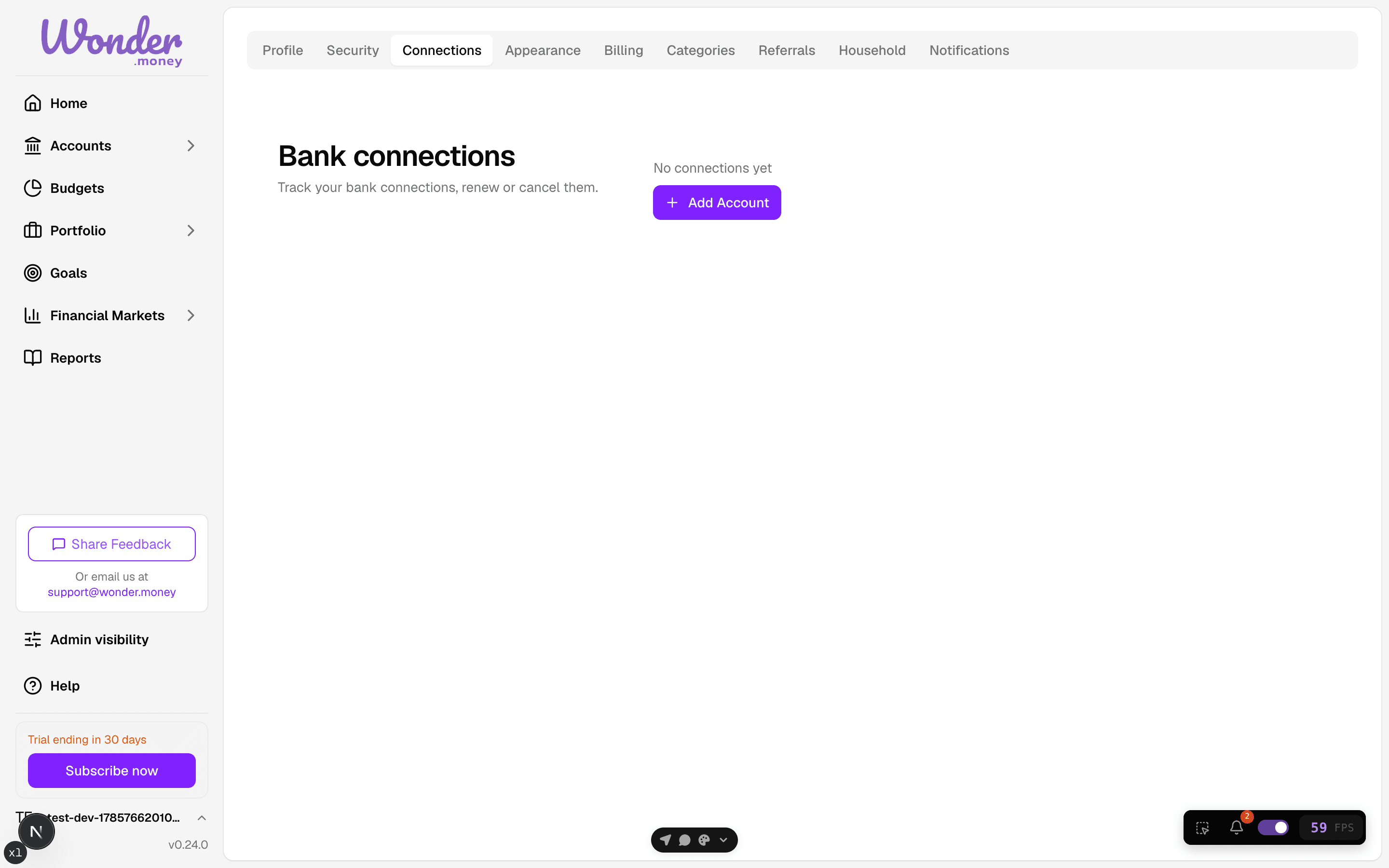
Manage bank connections
Review, refresh, or remove connected banks and accounts.
Bank connections can expire, need re-approval, or stop syncing after a bank changes its security requirements. Use this page to keep imported data current and remove sources you no longer want to use.
Connection status
Each connection shows one of a small set of states:
- Connected — the connection is active and its accounts have refreshed.
- Processing — the connection is being set up or has not finished its first refresh.
- Expired — the connection is no longer valid and needs re-approval.
- Error — the connection could not complete.
You only see status for your own connections, and status is scoped to your account rather than to the bank or provider as a whole.
When a sync fails
If a sync fails, the recovery view explains what happened and offers the relevant next step, such as retrying the connection, adding the account manually, or importing a statement. The recovery flow shows the name of the affected bank, so it is clear which connection needs attention.
If the list of banks is temporarily unavailable — for example during an outage at the provider — the bank picker shows a clear error instead of failing, and you can retry.
Before you start
Check whether the problem is limited to one account or affects the whole bank connection. If a re-authentication prompt appears, complete it before making other changes.
Steps
- Open the list of connected banks.
- Review the sync status and last refresh time.
- Reconnect or re-authorize any connection that has expired.
- Remove a connection only if you no longer want new imports from it. Unlinking is safe to retry: if the first attempt does not complete, doing it again finishes the job.
Review
After updating a connection, confirm that new transactions appear and that balances match expectations. If multiple accounts are attached to the same bank, check each one separately.
Common issues
- The bank changed its login or security flow.
- One account synced while another did not.
- A removed connection still appears until the next refresh.
- The bank connection is valid, but the account was hidden or excluded.