Connect bank account
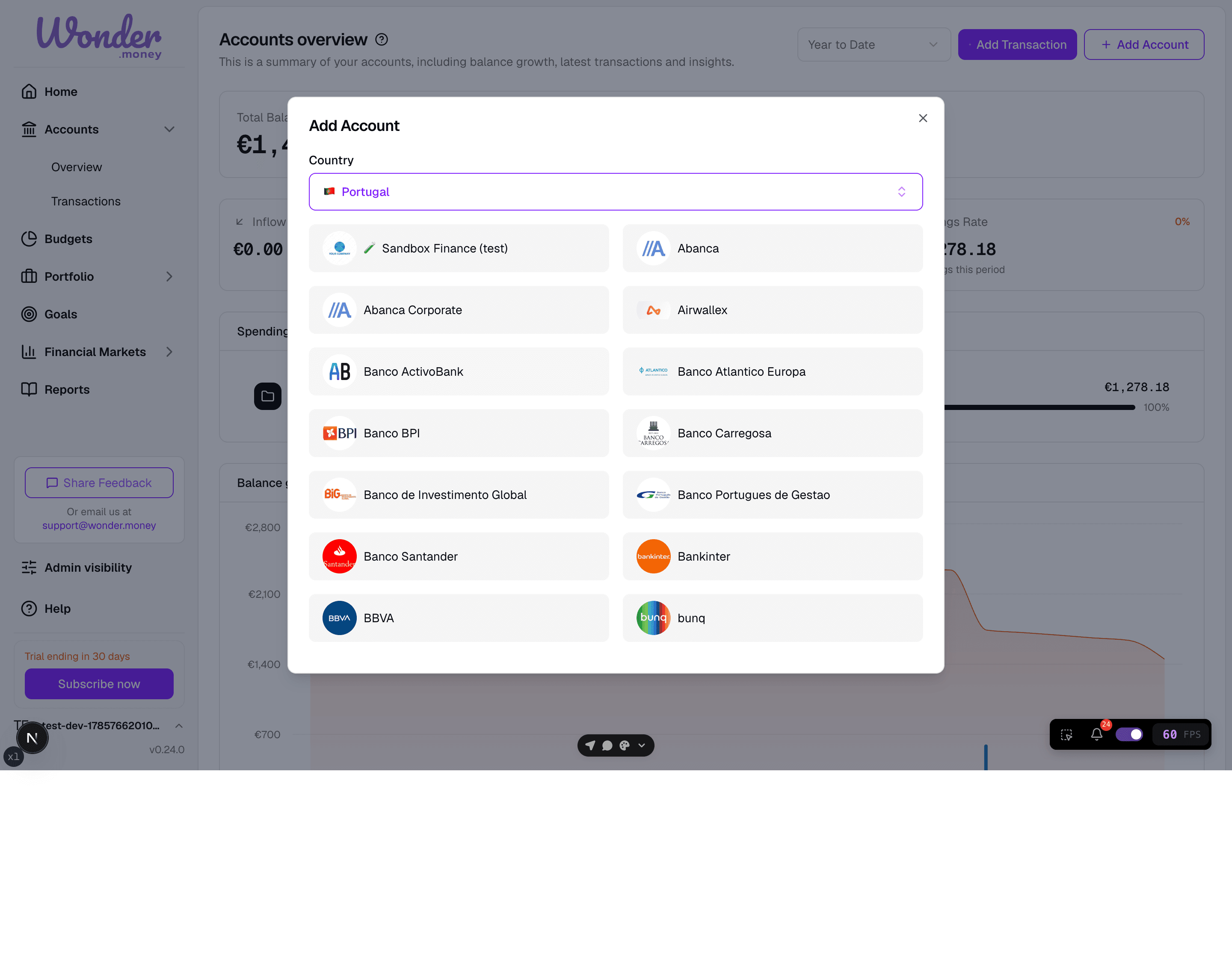
Start a new bank connection and choose the accounts to import.
Use the bank connection flow when you want WonderMoney to import balances and transactions from a supported financial institution through Open Banking. This is the main path for accounts that should sync automatically.
During onboarding, you can connect a bank directly from the account step, so you do not need to visit this flow separately. This page describes the standalone flow, which works the same way.
Before you start
Confirm that the bank is supported and that you are ready to approve the connection in the bank's own authentication flow.
Steps
- Start a new bank connection.
- Select the bank and sign in at the provider.
- Choose the accounts you want to import.
- Finish approval and wait for the first sync.
Review
After the connection is created, check the imported balances and transactions for the accounts you selected. If you also use manual accounts, keep them separate from the synced ones.
Common issues
- The bank requires a second approval step.
- The wrong accounts were included during selection.
- The connection created successfully but the sync is still pending.
- The account already exists as a manual account.