Budgets
Create your first budget
Set up a household budget with categories and monthly amounts.
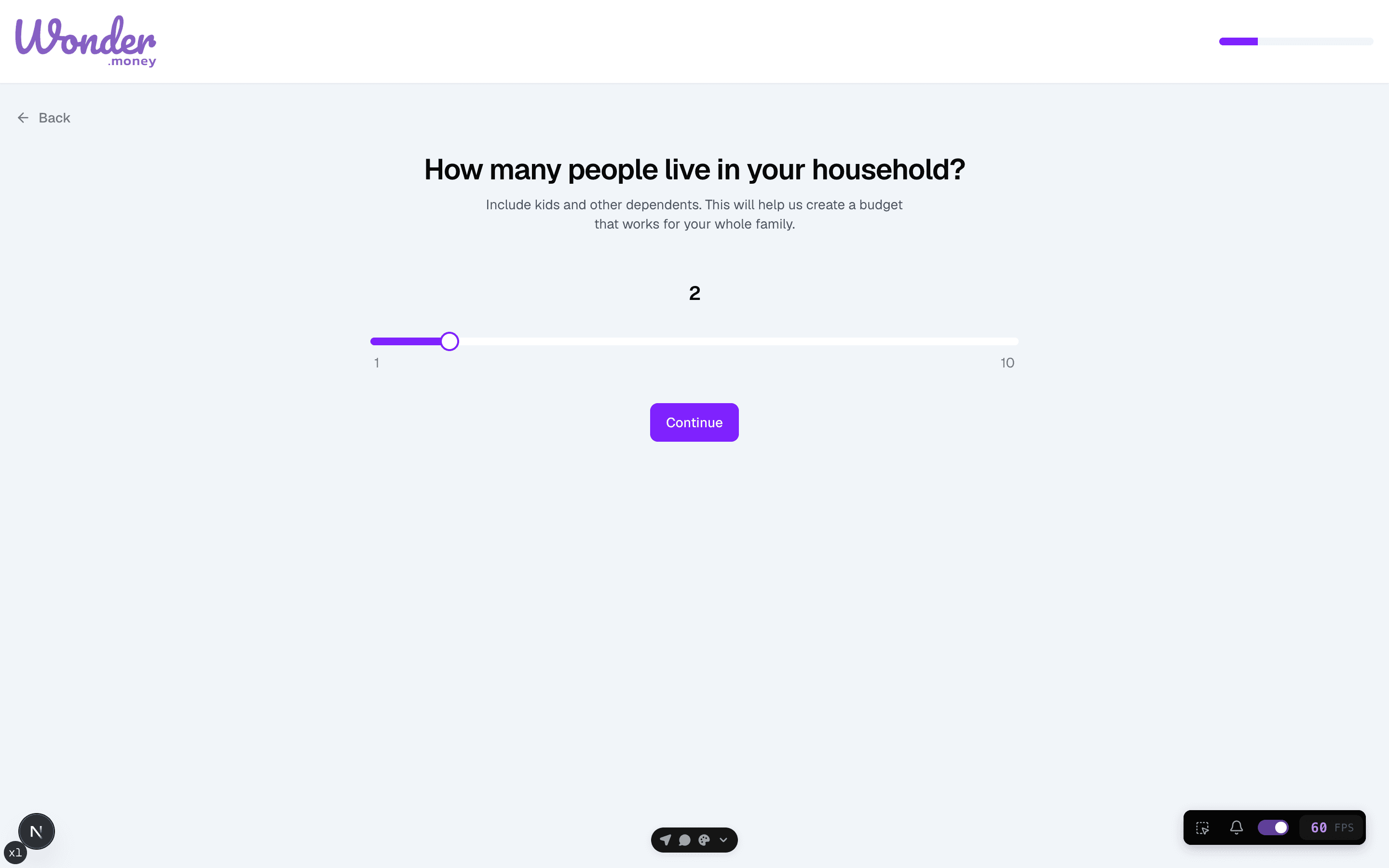
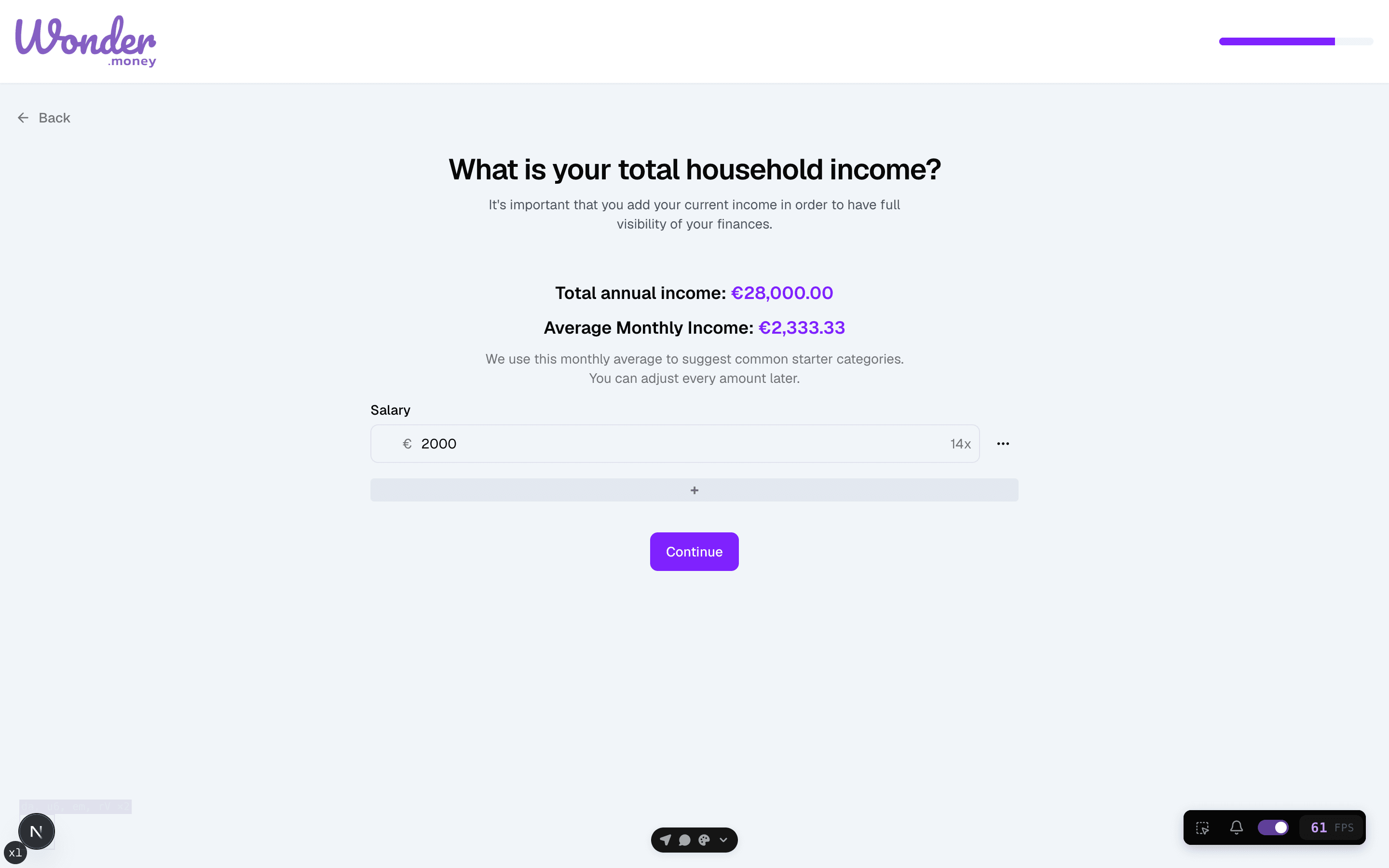
The budget wizard helps you choose a household setup, pick the categories that matter, and assign monthly targets. Start with a simple budget that matches the way you actually spend.
Start with envelopes, not perfection
Think of each category as an envelope with a monthly amount inside it. The first version only needs to be realistic enough to guide decisions, not perfect on day one.
Before you start
Have your main household expenses and a recent month of spending in mind. You can refine the budget later, so the first version only needs the categories you will use now.
Steps
- Open the budget wizard.
- Confirm the household size and dependent details.
- Choose the categories you want to track.
- Set a monthly amount for each category.
Review
After saving the budget, compare the monthly totals with your real spending. If a category feels too broad or too narrow, adjust it before you rely on the numbers.
Common issues
- Too many categories make the budget hard to maintain.
- Household details do not match the people who share expenses.
- Monthly amounts were entered as yearly totals by mistake.
- A category was added even though it rarely appears in your spending.