Budgets
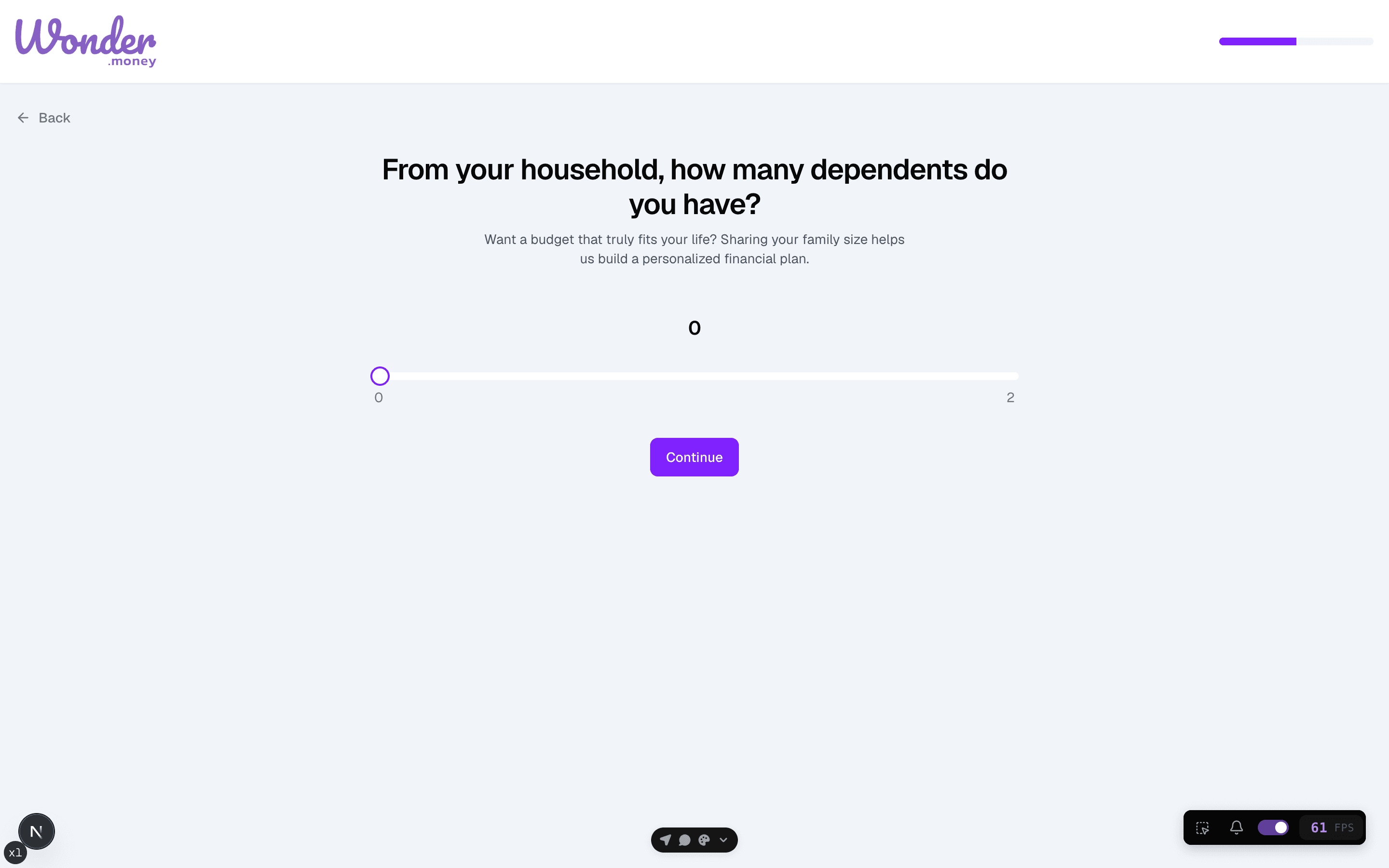
Household size and dependents
Set the household details that shape your budget setup.
Household size and dependent details help WonderMoney shape a budget that reflects shared expenses, not just one person's spending.
Before you start
Decide who should count in the household and which dependents belong in the budget. Use the same definition each time you review or update the budget.
Steps
- Open the household details step in the budget wizard.
- Enter the number of people in the household.
- Add any dependents that affect spending.
- Save the details and continue.
Review
Revisit the household setup when someone moves in, moves out, or begins to share expenses. A change in household size can affect the target amounts for several categories.
Common issues
- The household count includes people who do not share expenses.
- A dependent was missed, which makes the budget too tight.
- The setup was copied from an older household arrangement.
- Shared expenses were entered as if they were single-person costs.