Goals & Loans
Archived goals and restore
View archived goals and bring them back when needed.
Archived goals keep their history without appearing in your active goal lists.

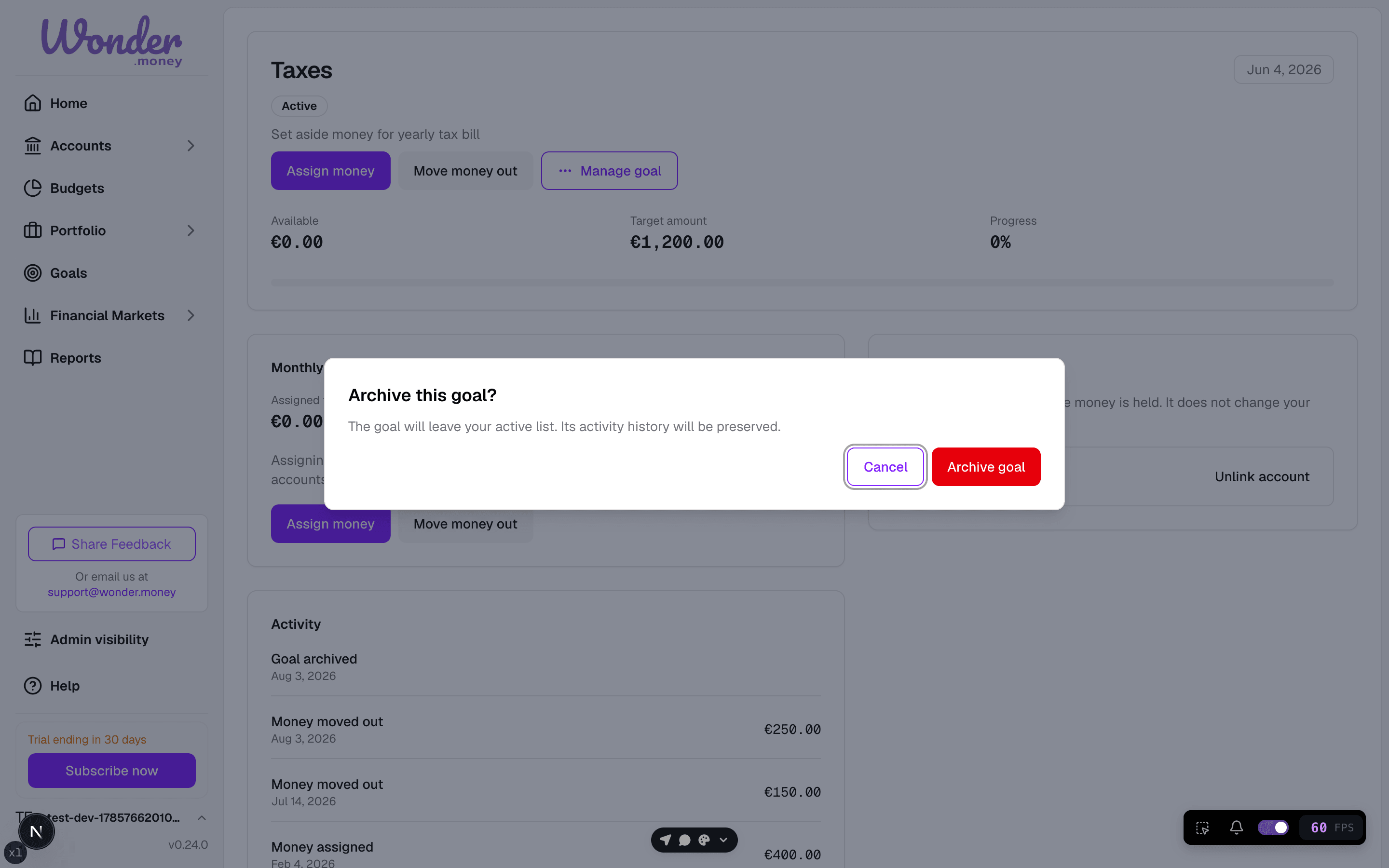
When a goal is archived
You can archive a goal when it is completed, cancelled, or no longer active. Archiving removes it from the active list but keeps its records.
How to view archived goals
Open the goals area and switch to the archived view. Archived goals appear there with their saved details.

How to restore a goal
- Open the archived view.
- Select the goal you want to bring back.
- Choose Restore.
Restoring brings the goal back into your active goals with its history intact.
What restore preserves
- The goal type and target amount
- The saved description and priority
- Contribution history and progress
- Any account links
Common mistakes
- Archiving a goal that is still active.
- Expecting a restored goal to reset its progress. History is preserved.