Goals & Loans
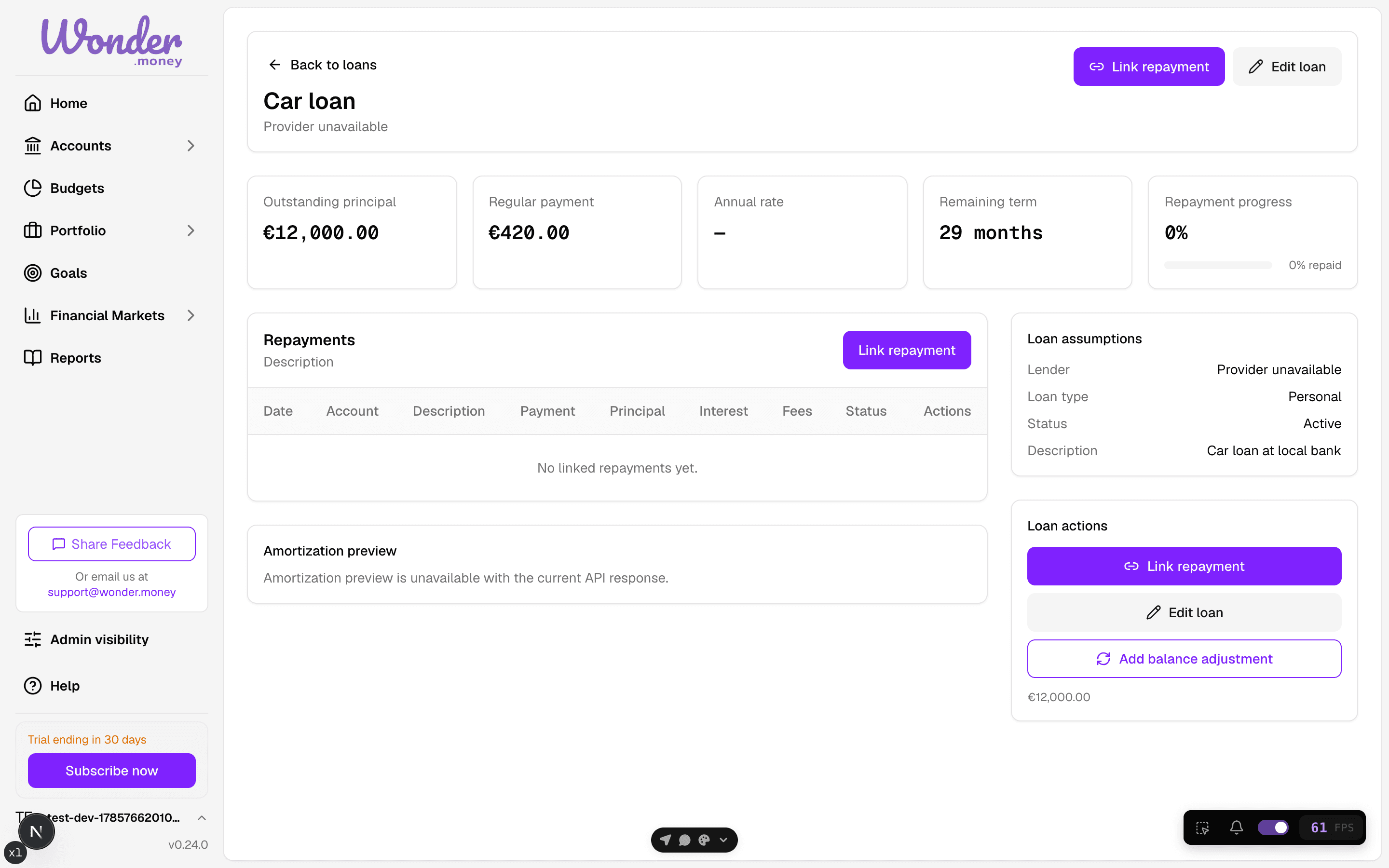
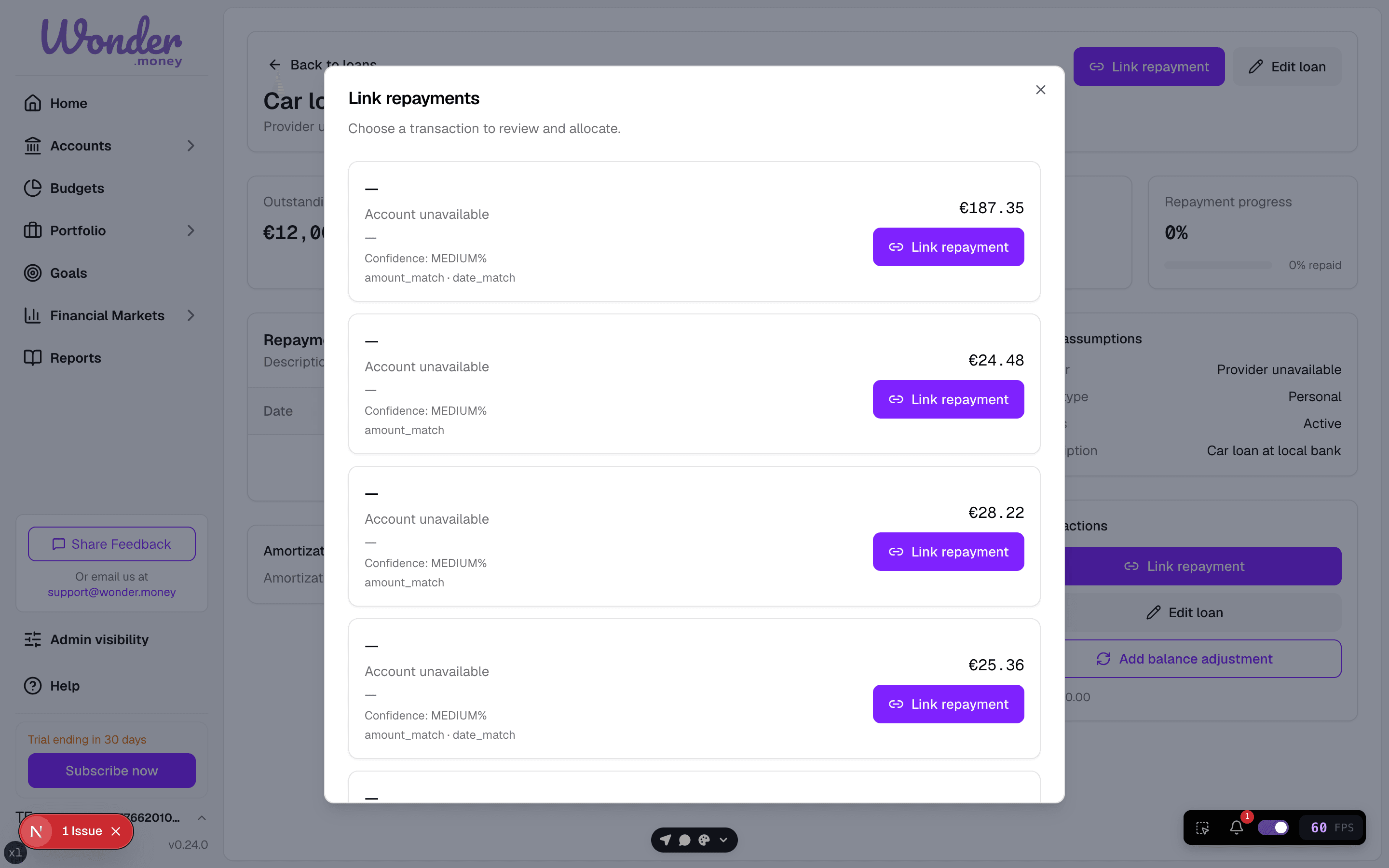
Track Repayments
Record repayments and see how a loan balance changes.
Use repayments to record what you have paid toward a loan or credit facility.
This keeps the remaining balance aligned with recorded payments.
What to record
- Repayment amount
- Date
- Notes, if needed
Record the repayment on the date it actually cleared when you want the balance history to stay accurate.
What the view tells you
- How much of the balance remains.
- How repayment activity changes the liability over time.
- Whether a repayment has already been recorded.
Common mistakes
- Recording the same repayment twice.
- Entering a repayment against the wrong loan.
- Assuming a repayment changes a goal balance. Loans and goals are separate.
If a payment was refunded or reversed, note that before adding a new repayment entry.