Loans Overview
Understand how WonderMoney handles loans and credit facilities.
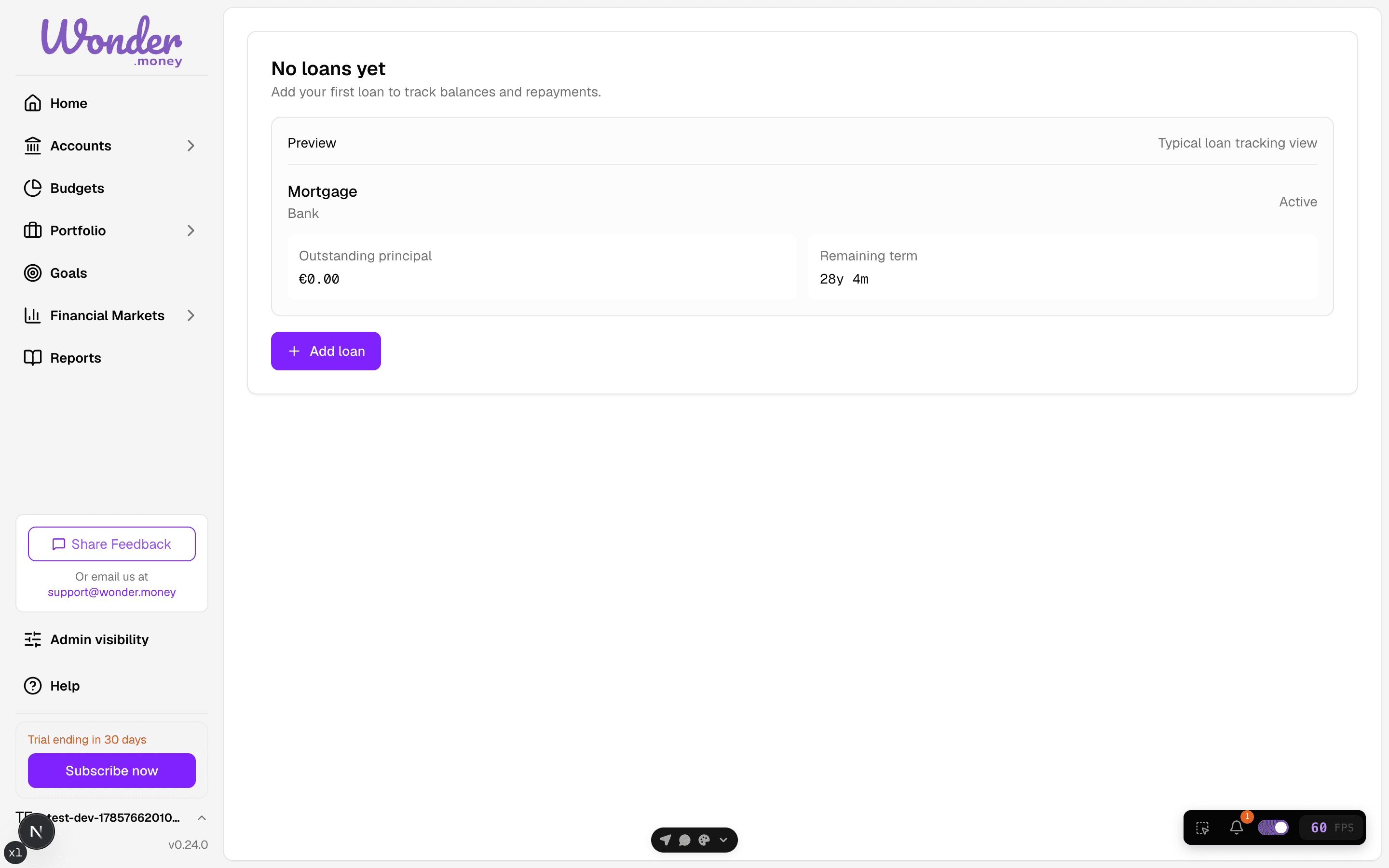
Loans and credit facilities can be tracked in WonderMoney as obligations you want to follow over time. Use this area to keep an eye on what you owe, what has been repaid, and which transactions may be linked to a repayment.
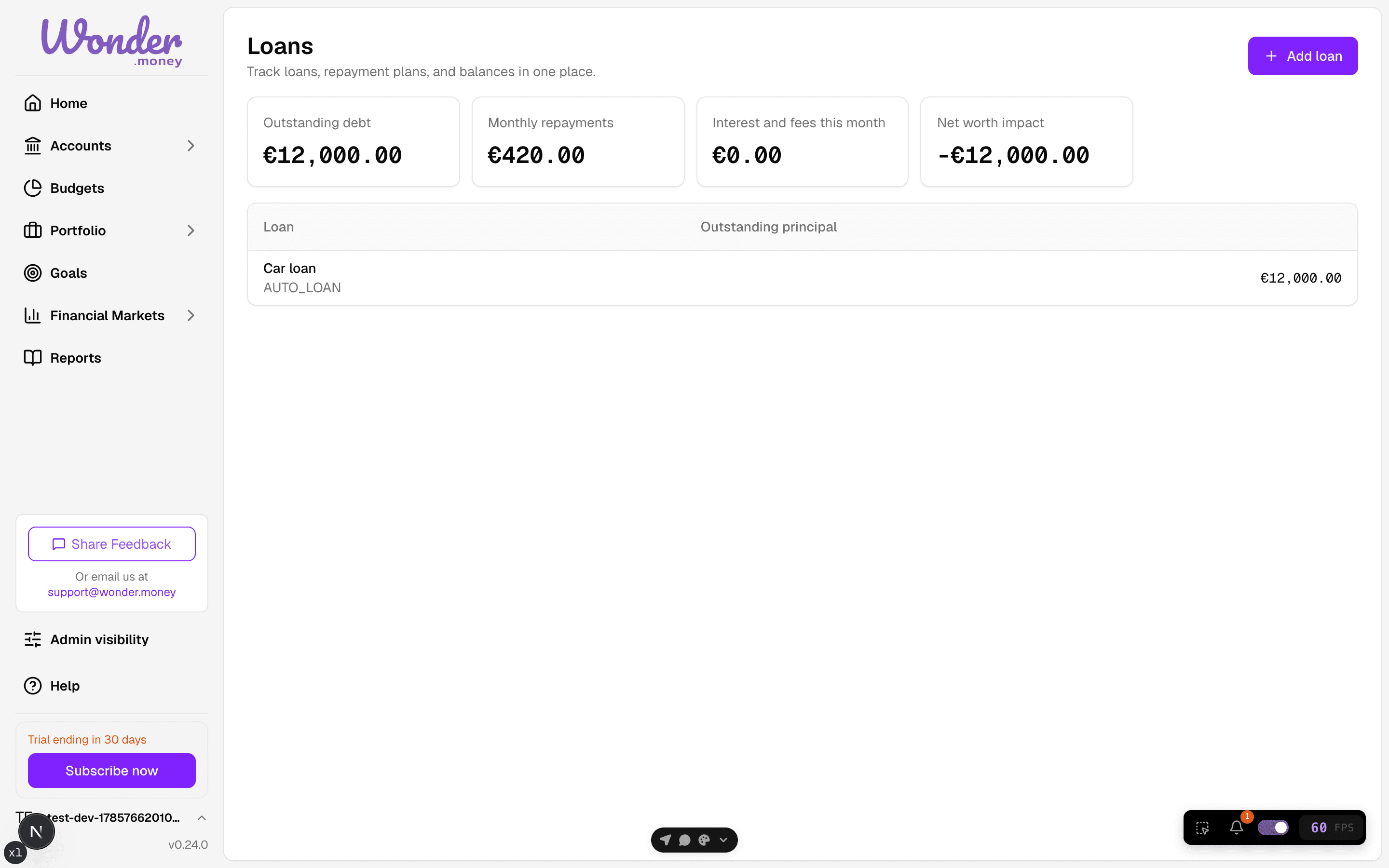
At a high level, a loan record helps you:
- keep the outstanding balance visible
- note the repayment schedule or expected cadence
- review repayments as they happen
- connect account transactions that may represent a repayment
Balances should be treated as the current tracking amount in WonderMoney, not a substitute for your lender’s official statement. If the numbers differ, rely on the lender as the source of truth.
Repayments and balances
Each repayment reduces the tracked balance over time. You can use WonderMoney to record repayments manually or review imported transactions that look relevant.
When you update a repayment, the goal is to keep the remaining balance and payment history easy to review. This is especially useful when a loan has variable payments, extra repayments, or irregular charges.
Repayment candidates and links
WonderMoney may surface repayment candidates from your connected accounts. These are transactions that appear to match a loan repayment based on their amount, date, or description.
Review candidates carefully before linking them. Linking a transaction does not change the lender’s records; it only helps WonderMoney relate the transaction to the loan.
Use links when you want to:
- match a bank transaction to a specific repayment
- avoid counting the same payment twice
- keep the loan timeline easier to follow
What this does not do
WonderMoney is not a lender and does not replace your loan agreement, repayment notice, or official statement. It is a help tool for organising your own view of the debt.