Household and multi-user support
Understand households, shared access, and how two people manage money together.
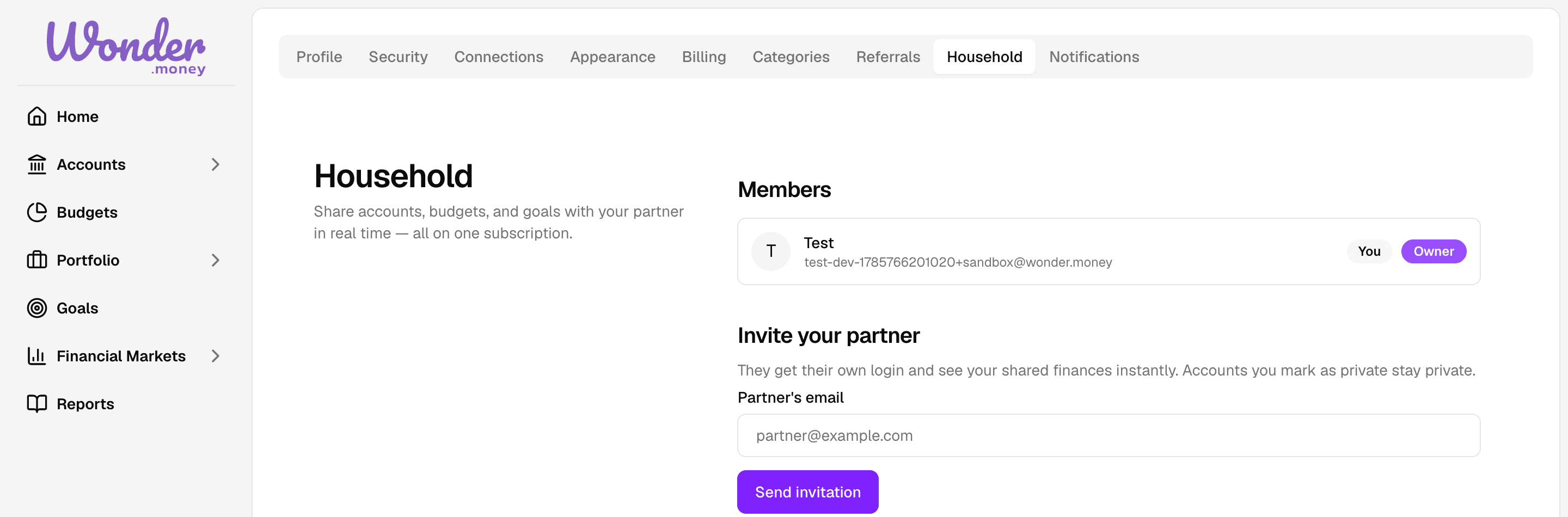
A household is a group of people who manage their money together in WonderMoney. Each person has their own login, and the household holds the shared data: accounts, transactions, budgets, goals, portfolio, cash flow, and net worth.
Use this section to understand how households are created, how members are invited and joined, how account privacy works, and what happens when someone leaves.
What you can do here
- Understand what a household is and when to use one.
- Learn how a household is created at signup.
- Generate an invite link for a new member.
- Join a household when you receive an invite.
- Control which accounts are shared and which stay private.
- See how shared data appears in both members' views.
- Leave a household or remove a member as the owner.
How it works
A household is the unit that holds the data. One household has one or more members, each with their own login. The person who creates the household becomes the owner. Other members join through an invite link that is redeemed during a fresh signup.
Data in the household is shared by default. Accounts can be shared or private, and each member sees the accounts they are allowed to see.