Account privacy
Control which accounts are shared with the household and which are visible only to one member.
Every account in a household has a privacy setting. A shared account is visible to both members; a private account is visible only to the member who owns it.
By default, an account is shared with the household. Change the setting on the account when you want it to stay private.
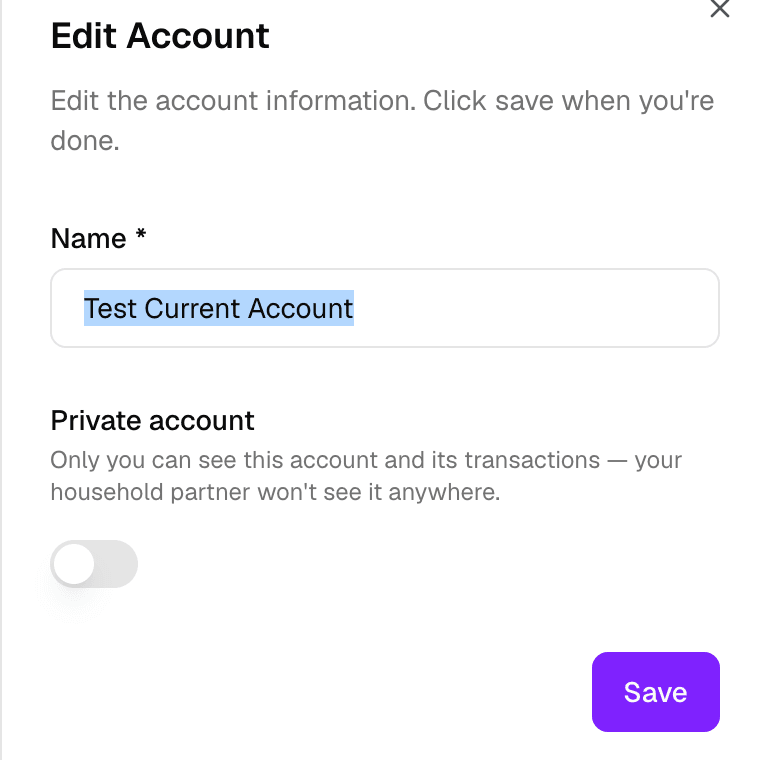
Setting account privacy
Open the account and choose its privacy setting:
- Shared — both members see the account, its transactions, and its balance.
- Private — only the member who owns the account sees it. The other member's views, including net worth, exclude the account.
Private accounts keep a member's personal spending out of the shared view, while shared accounts stay part of the household's common picture.
Recurring series privacy
The owner can also set privacy for recurring series. A private recurring series is visible only to the member who owns it; a shared one appears in both members' views. This works separately from the account-level setting.
Privacy by data type
Privacy applies per data type. Accounts, transactions, categories, goals, budgets, portfolio, cash flow, and net worth follow the same household rules, and the owner decides which of these stay visible to both members and which are limited to one member.