Invite a member
Generate an invite link and share it so a new person can join the household.
The owner invites new members with an invite link generated in settings. The link is validated server-side, and the invite is redeemed when the invitee completes a fresh signup.
Only the owner can generate invite links. Members do not see the invite option in settings.
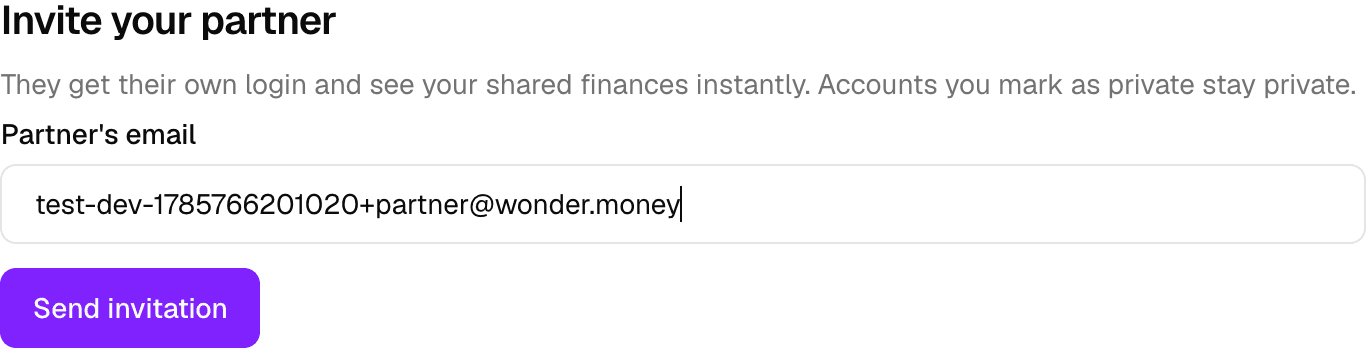
Generating an invite link
Open the household settings and generate an invite link. The link carries the household and the invitation, and it is checked against the server when it is used.
Share the link only with people you intend to join the household. Anyone with the link can redeem it, so treat it like a shared secret.
How the invite works
- The invitee opens the link and sees the household invitation.
- The invitee accepts the invitation.
- The invitee completes a fresh signup.
- The new account is provisioned into the household as a member.

Because invites are redeemed during signup, an invite link cannot add an existing account to the household. See Join a household for the full flow.