Leave or remove a member
Leave a household as a member, remove a member as the owner, and understand what happens to the data.
A member can leave a household at any time, and the owner can remove a member. Removing someone reassigns their accounts to the owner, so the household keeps its shared data.
If the owner leaves or deletes their account, the household is torn down.
Leaving as a member
As a member, you can leave the household voluntarily. Your accounts are reassigned to the owner, so they stay part of the household. After leaving, you no longer have access to the household's shared data.
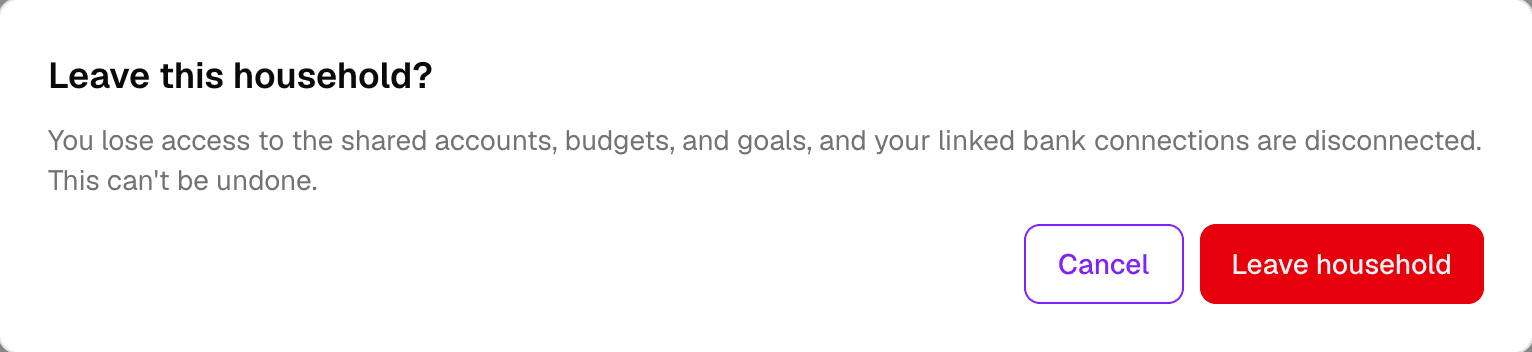
Leaving does not delete your user account. What you lose is access to the household and its data.
Removing a member as owner
As the owner, you can remove a member from the household. The member's accounts are reassigned to you, and the member loses access to the shared data.
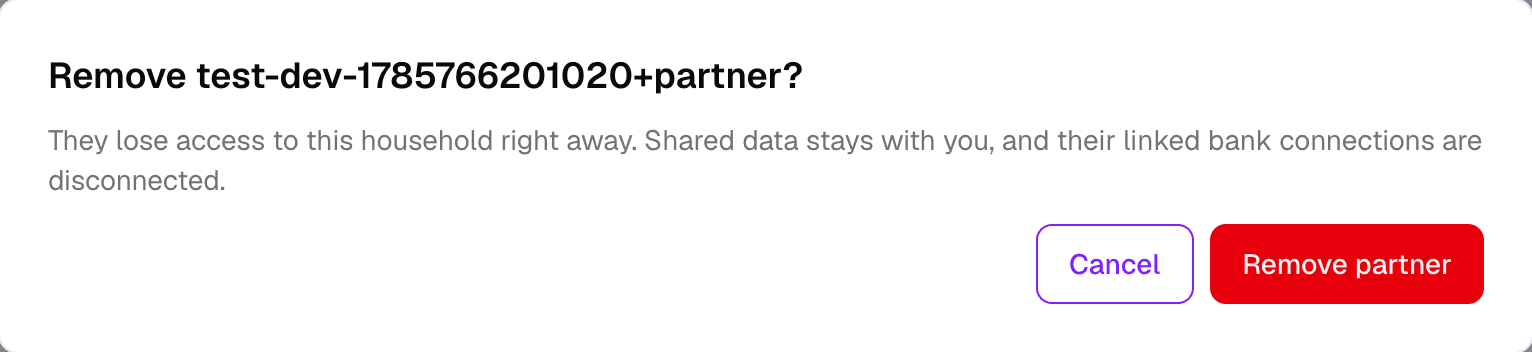
Removing a member does not delete their user account. They keep their sign-in and any data that is separate from the household.
Owner deletion teardown
If the owner leaves the household or deletes their account, the household cannot continue: it is tied to the owner. The household is torn down, and members lose access to the shared data.