Household and multi-user support
Household billing
Understand how one subscription covers both members and how charges appear.
A household has one subscription, and that subscription covers every member. Members do not pay separately; the owner's subscription is the household's subscription.
The billing screen looks different depending on your role.
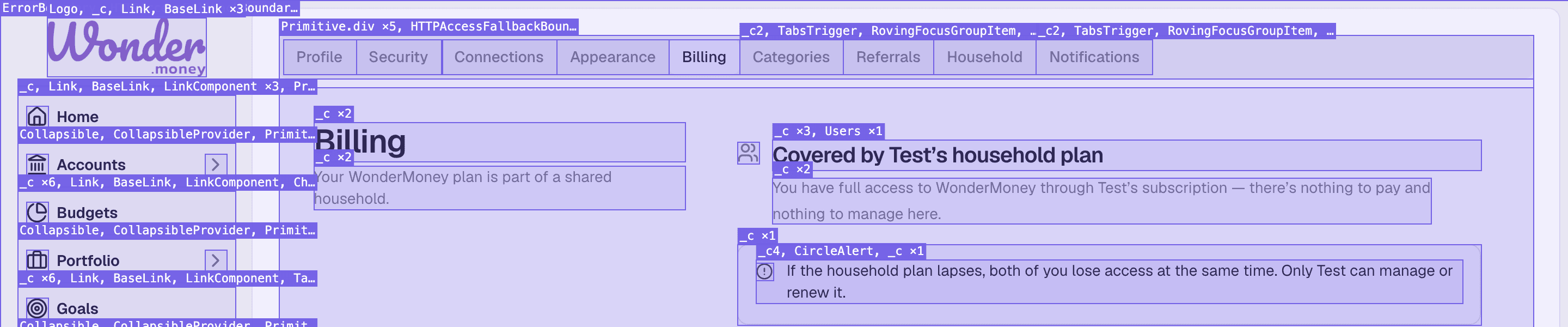
What each member sees
- Owner — sees the full billing area: plan, renewal date, payment methods, and charges. The owner manages the subscription and sees the charge for the household.
- Member — sees a shared subscription message instead of billing actions. The member does not see the payment details or the charge, and cannot change the plan.
If you joined a household as a member, you do not need to subscribe. Your access is covered by the owner's subscription.
How charges appear
Charges appear on the owner's billing screen for the household's single subscription. There is one charge, not two. If the owner upgrades, changes the payment method, or cancels, the change applies to the whole household.