Billing & Subscription
Subscription and trial
Understand trial timing, subscription access, and what happens when a trial ends.
WonderMoney uses a 14-day trial period before billing starts. Your access depends on whether the trial is active, ending soon, or expired.
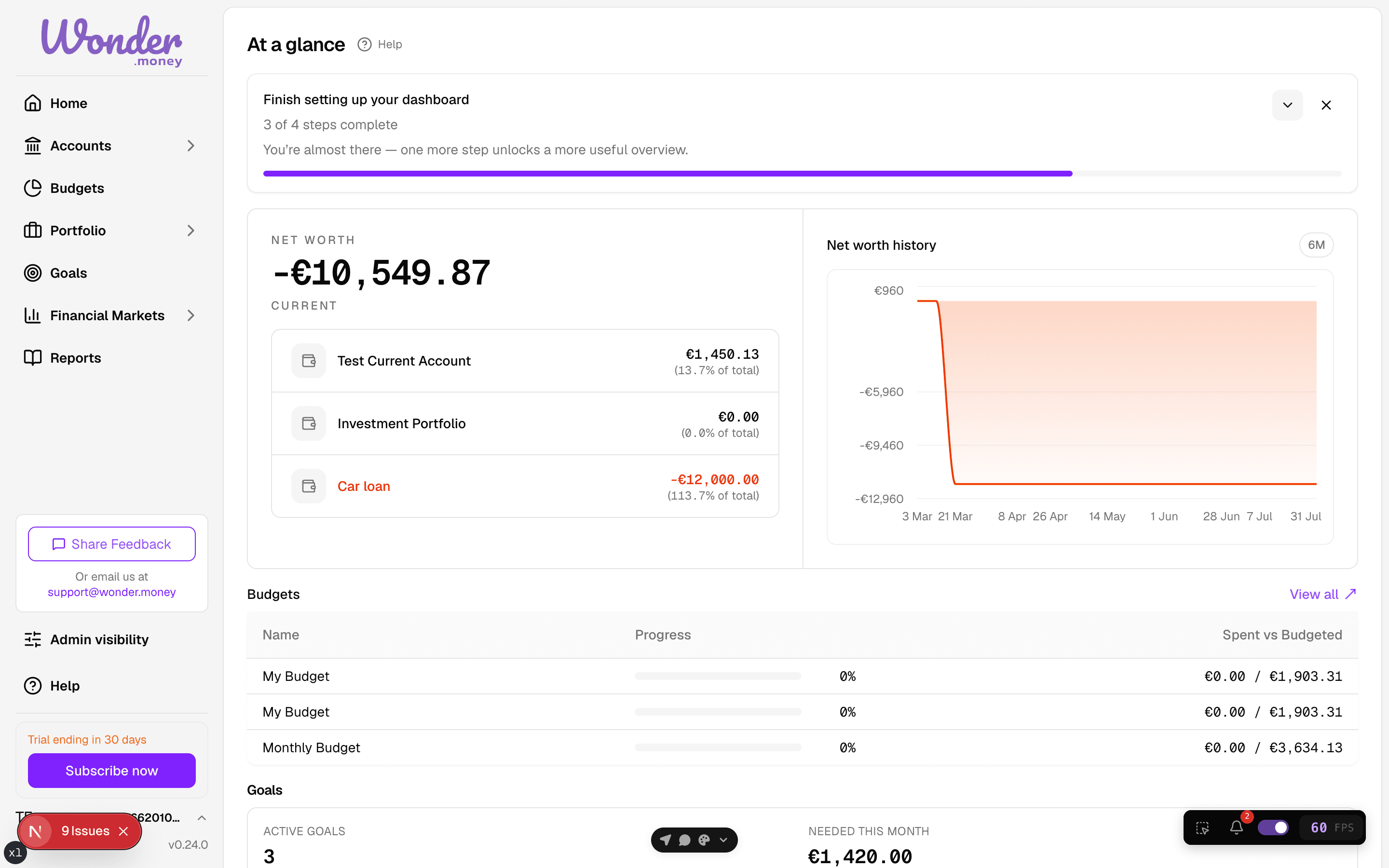
Trial length
The trial lasts 14 days and starts when you sign up. Billing starts when the trial ends. If you upgrade during the trial, billing starts immediately.
The upgrade option is available throughout the trial. It starts a real checkout, so the account moves to a paid plan as soon as the checkout completes.
What you can expect
- While the trial is active, you can use the product normally.
- Near the end of the trial, the app shows reminders.
- If the trial expires without a valid payment method, the account can become read-only until billing is updated.
What to check
- Open Billing or Settings > Billing.
- Review the subscription card for current status.
- Confirm that a payment method is available.
- Check whether the trial end date has passed.
Common mistakes
- Assuming a trial is active when the end date has already passed.
- Updating billing details but not adding a payment method.
- Looking at the wrong account.