Billing & Subscription
Referral codes
Find and use your referral link if it is available on your account.
Some accounts can show a referral code on the billing page.
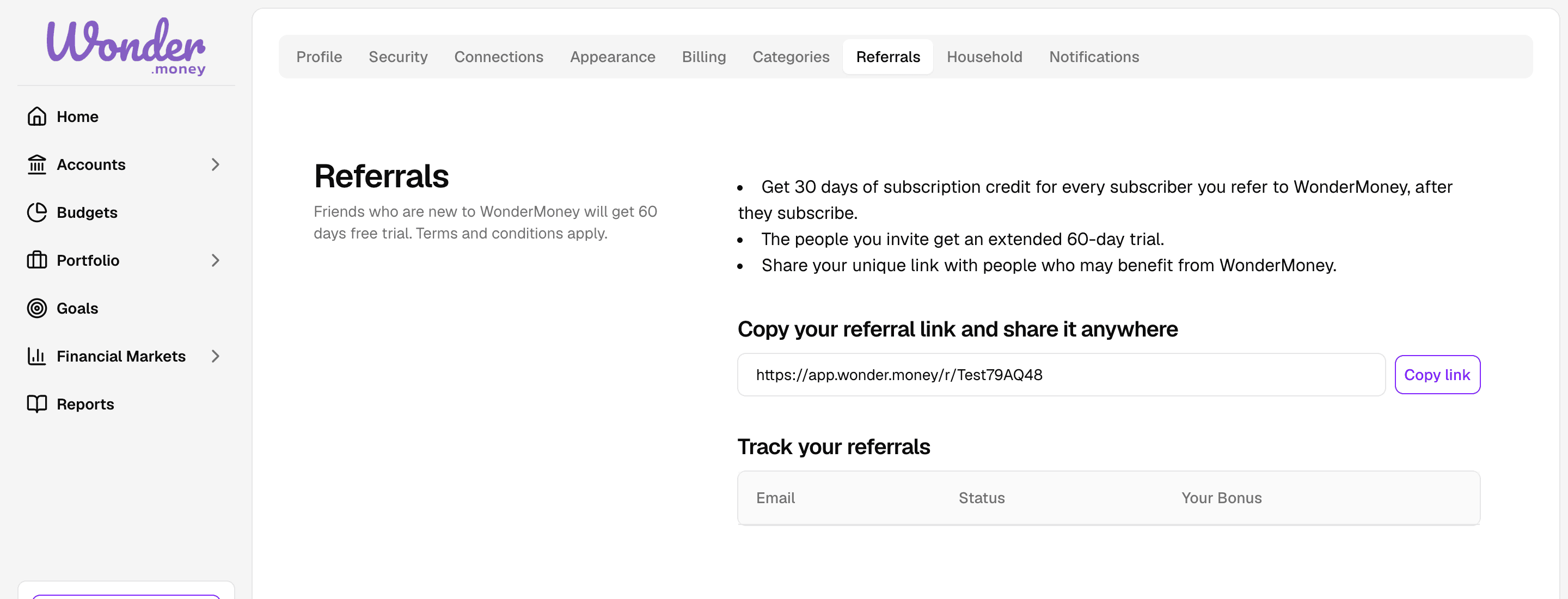
Referral codes are optional and only appear when they are available for the account.
What it is
The referral link is a shareable WonderMoney URL tied to your account. If available, it appears on the billing page.
How to use it
- Open the billing page.
- Look for the referral link.
- Copy it and share it with another person.
If the link is shared outside your intended audience, it may still be usable until the referral rules change.
If you do not see a code
The referral section only appears when your account has a referral code. If it is missing, there is nothing to copy.
If you expected one, check whether the account qualifies for referrals or whether the billing page is fully loaded.