Billing & Subscription
Update billing information
Change billing country and tax ID for your subscription.
The billing information form lets you update the country and tax ID attached to the subscription.
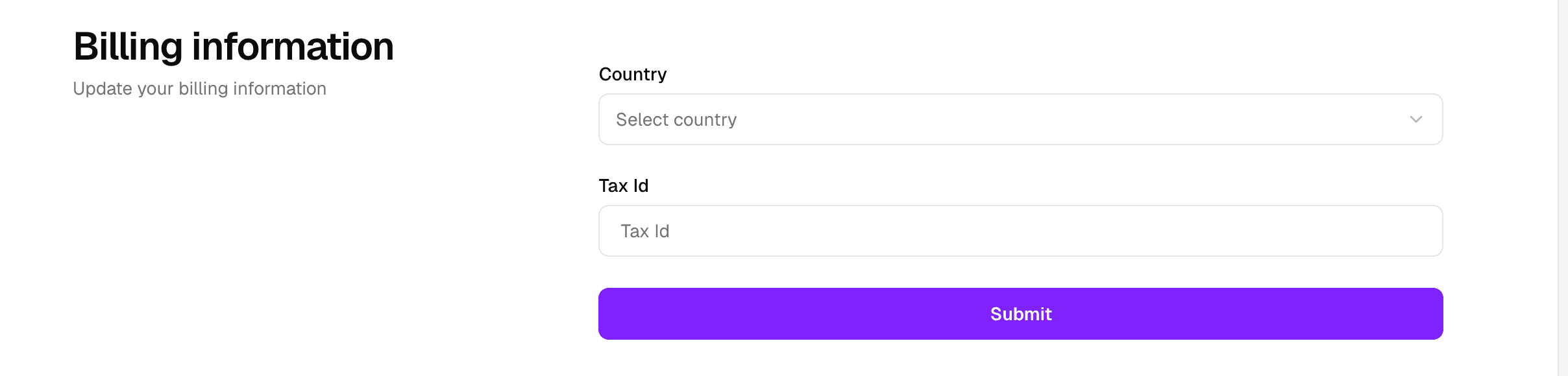
Use this when invoices need to match your current billing details or tax records.
When to update it
- Your billing country changes.
- Your tax ID changes.
- You notice billing invoices need different company or tax details.
How to update billing information
- Open the billing page.
- Find the Billing information card.
- Select the correct country.
- Enter the tax ID.
- Save the changes.
Common mistakes
- Entering a tax ID in the wrong format for your country.
- Changing payment details instead of billing details.
- Saving the wrong country value.
If the form rejects a tax ID, check the country selection first because validation can depend on it.