Billing & Subscription
Billing history
Review invoices and payment records for your subscription.
The billing history section lists prior invoices and payment events for the account.
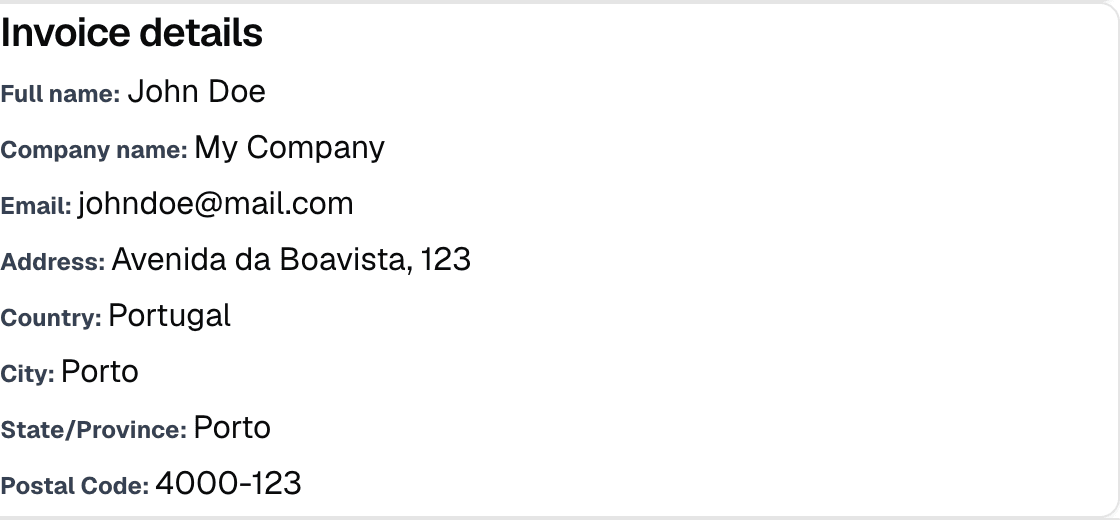
Use it when you need to confirm a charge, match an invoice to a billing period, or check whether a payment failed.
What to look for
- Invoice date
- Amount billed
- Payment status
- Billing period covered by the invoice
How to use it
Open the billing page and scroll to the Billing history card. Use it to confirm whether a payment succeeded, failed, or is still pending.
If a charge appears twice, compare the invoice date and billing period before assuming it is duplicate billing.
If a payment looks wrong
- Confirm you are viewing the correct account.
- Check whether the payment method was updated after the invoice was generated.
- If the status is unclear, use support with the invoice date and amount.
Keep a copy of the invoice number and payment date when contacting support.