AI Assistant Consent
Understand how consent for assistant features and analytics is collected and managed.
WonderMoney collects consent for assistant features and analytics as part of account setup. You can review or change that consent at any time from settings.
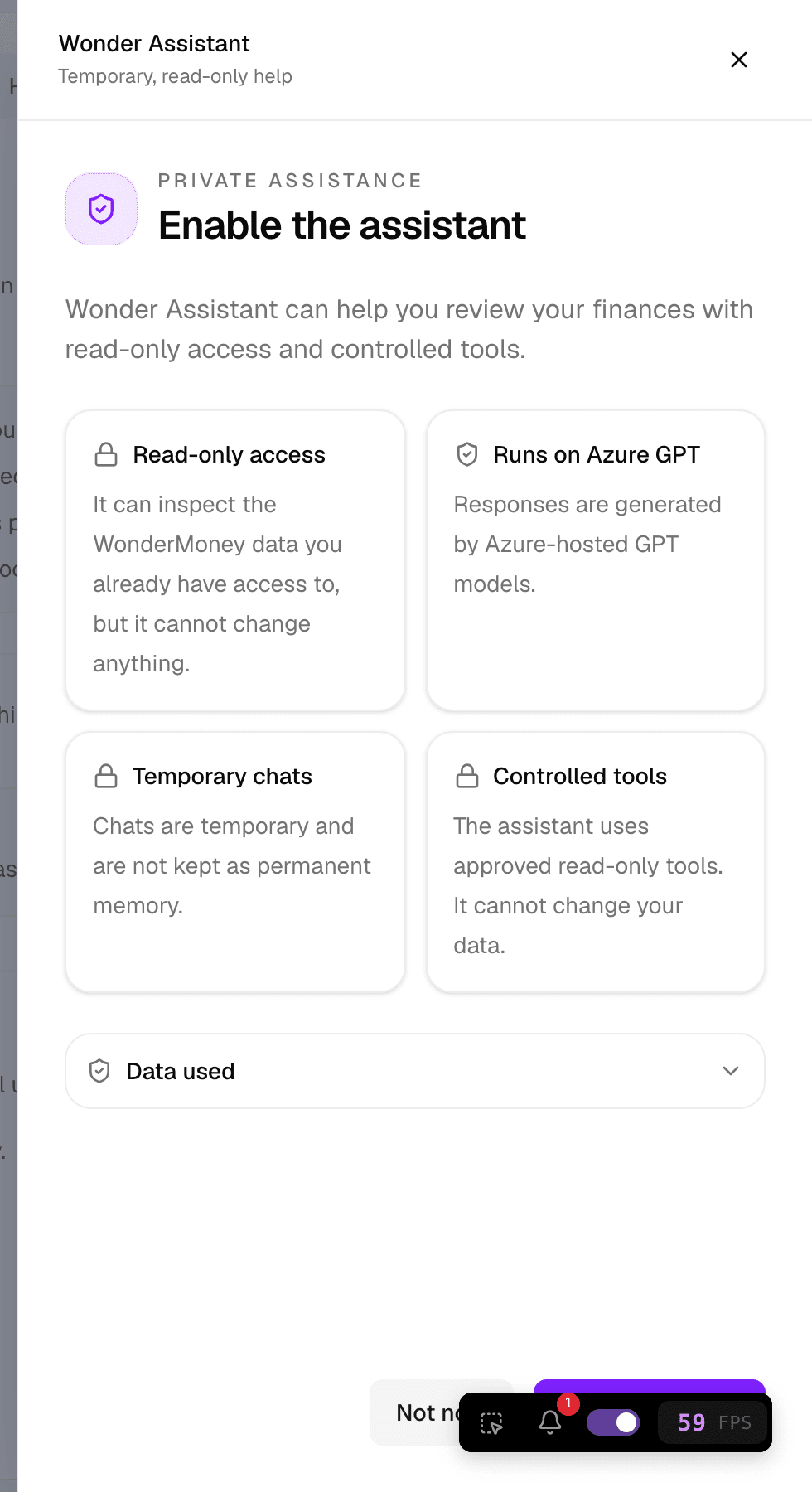
How consent is collected
At signup you accept the terms and choose whether to allow analytics and attribution. The same choices cover the AI assistant features available in your account. There is no separate consent ledger: consent is a property of the user account and is stored with it.
Lifecycle consent is carried through authentication, so the choices you make are applied to your account across sign-in sessions.
What you can control
- Whether assistant features are enabled for your account.
- Whether analytics and attribution are allowed.
- Whether the assistant launcher is visible.
Analytics and attribution are gated on consent. If you have not consented to analytics, those calls are not made.
How to change your decision
- Open settings.
- Go to the assistant or privacy area.
- Change the consent options you want to update.
- Save the changes.
If a change does not appear to apply, sign out and sign back in, then check the settings again.
What consent does not allow
Consent for assistant features does not permit WonderMoney to move money, initiate transactions, or change bank records. The assistant can only read the data exposed to assistant features.