Settings, Security & Privacy
Delete Account
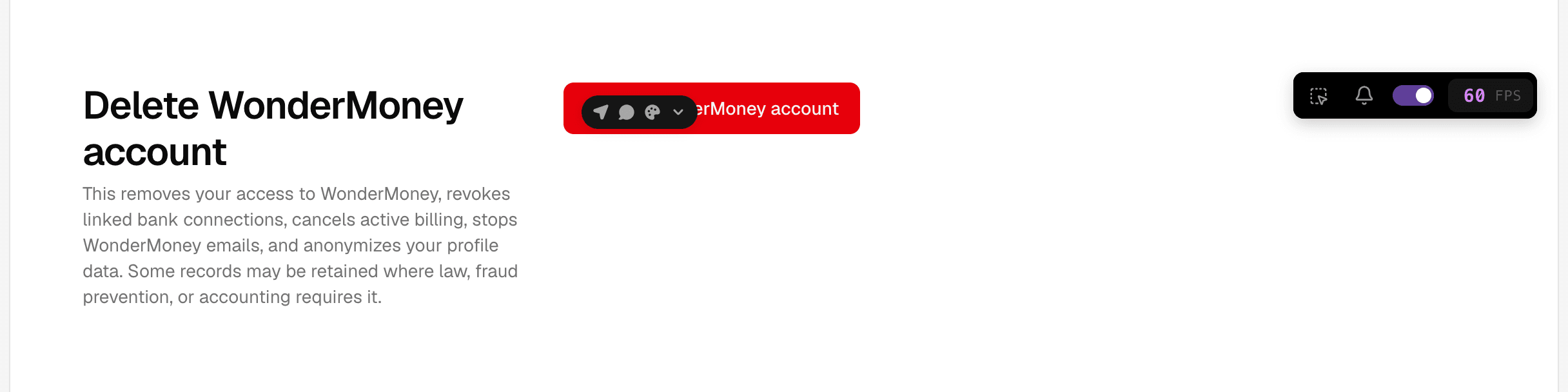
Permanently remove your WonderMoney account and understand what happens next.
Delete an account only when you are sure you no longer need it.
Before you delete
- Download any records you want to keep.
- Confirm that you are signed in to the correct account.
What happens when the account is deleted
Deleting the account removes access to the profile and associated app data for that account. You may no longer be able to recover the information after confirmation.
How the flow works
- Open account settings.
- Choose delete account.
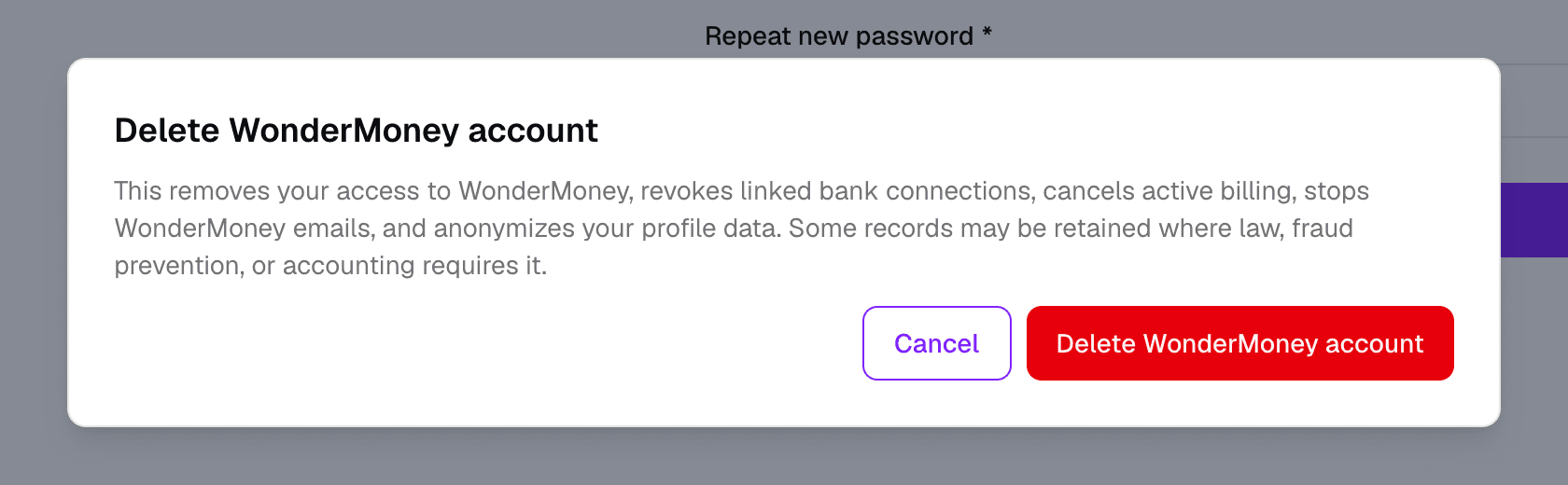
- Review the warning message.
- Confirm the deletion only after you have checked the account details.
What to check if you do not see the option
- Whether account deletion is available for your current role.
- Whether you are in the correct signed-in session.
- Whether the page needs a refresh after changing settings.