Profile Preferences
Update the profile details, personal preferences, and email preferences tied to your account.
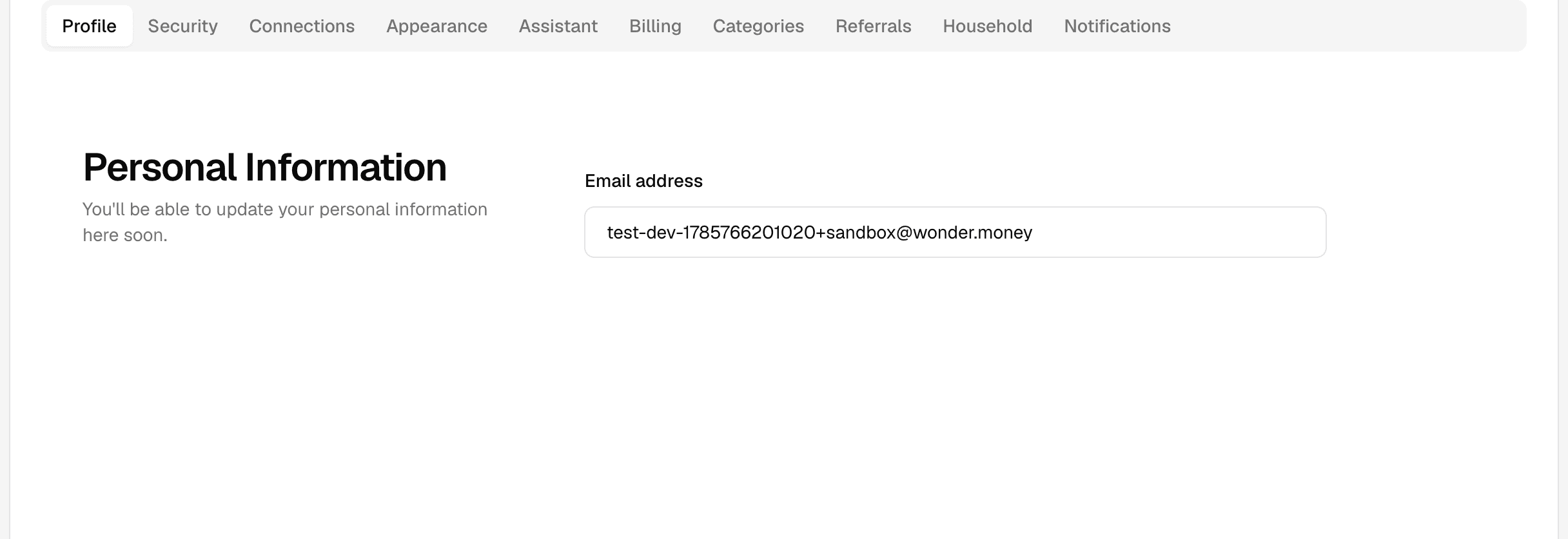
Profile preferences store the basic information tied to your account identity and how the app addresses you.
What you can update
- Your name or display name.
- Language or regional preferences, when available.
- Your email preferences, which control which email categories you receive.
- Other profile fields shown on the settings page.
Email preferences
The email preference center controls which email categories WonderMoney sends to your account. You can turn each category on or off individually and use a master switch to turn off all non-essential email at once.
Some categories are on by default. Budget alert and weekly insights emails are enabled in production, so they are sent unless you turn them off. You can opt out of them and of any other category at any time from the email preference center.
Security-critical transactional email cannot be switched off. It is separate from the marketing and informational categories you control.
See Email preferences for the full list of categories and how consent works.
How changes are used
Profile updates usually apply to future screens and messages after you save them. Some parts of the app may need a refresh before the new information appears.
Before you save
- Make sure the name matches the account you want to use.
- Check spelling and formatting carefully.
- Review any preference that affects date, number, or language display.
What to try if the change does not appear
- Refresh the page.
- Sign out and sign back in.
- Check whether the browser cached an older view.