Settings, Security & Privacy
Assistant settings
Control whether the assistant is enabled and whether the launcher is visible.
The assistant settings page lets you control consent and visibility for the AI assistant.
Use it when you want to pause the assistant, hide the launcher, or review whether it is available in your account.
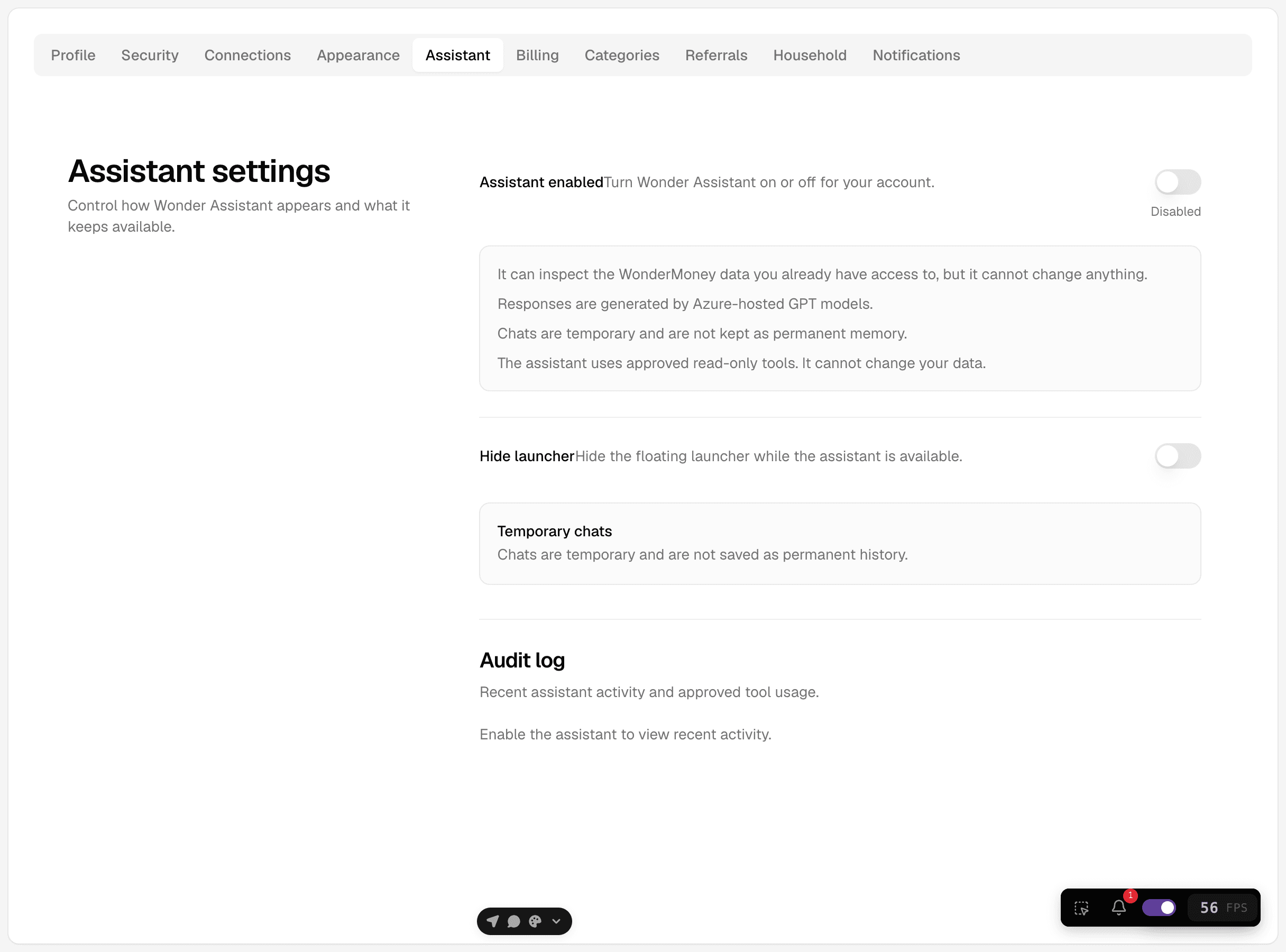
What you can change
- Enable or disable the assistant.
- Hide or show the assistant launcher.
- Review the assistant audit log when the assistant is enabled.
If you disable the assistant, the launcher should no longer appear in normal use.
What the settings mean
- The assistant is read-only.
- It uses approved tools only when enabled.
- Temporary chats do not keep the conversation in the same way as regular chats.