Portfolio & Investments
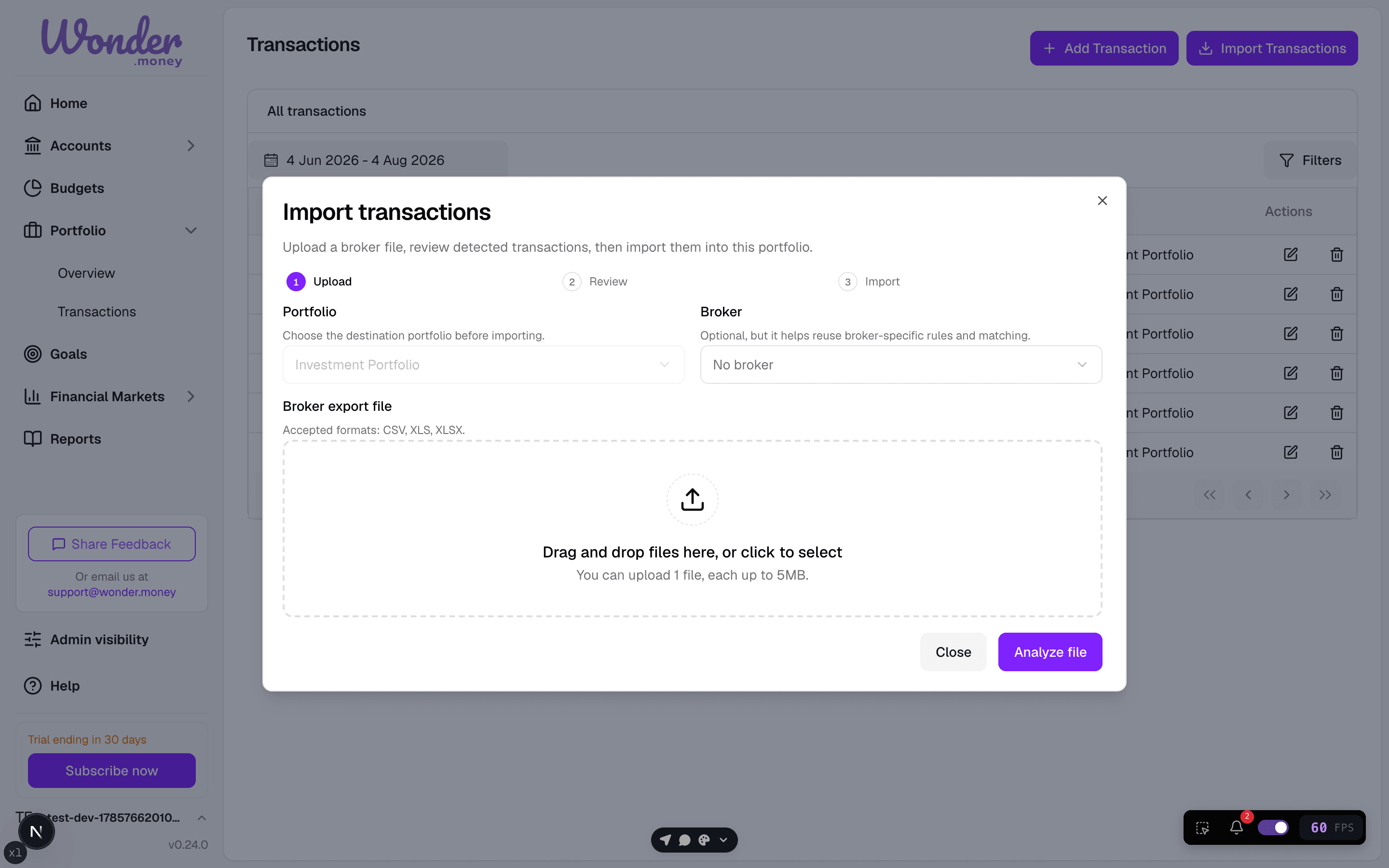
Import Portfolio CSV
Import portfolio holdings and transactions from a CSV file.
CSV import is the fastest way to load broker data into WonderMoney.
What you can import
- Holdings
- Transactions
- Current positions, when your export includes them
How to import
- Export data from your broker.
- Open the portfolio you want to update.
- Upload the CSV file.
- Wait for the import to process.
- Fix any mapping issues or unresolved rows if they are reported.
Best results
- Use a fresh export from the broker.
- Keep one portfolio per broker account when possible.
- Review tickers, quantities, dates, and currencies in the broker export before uploading.
- If some rows need asset resolution, follow the reported guidance after import.
Current behavior
WonderMoney processes uploaded CSV files after upload. There is no pre-save row review step.
Common mistakes
- Uploading the wrong file type.
- Importing duplicate rows from an older export.
- Leaving the currency column empty when the broker export includes multiple currencies.
- Assuming every broker uses the same column names.