Portfolio & Investments
Add Portfolio Transactions
Add buys, sells, dividends, and fees to a portfolio.
Add transactions when you want portfolio performance to reflect what actually happened in the market and in your broker account.
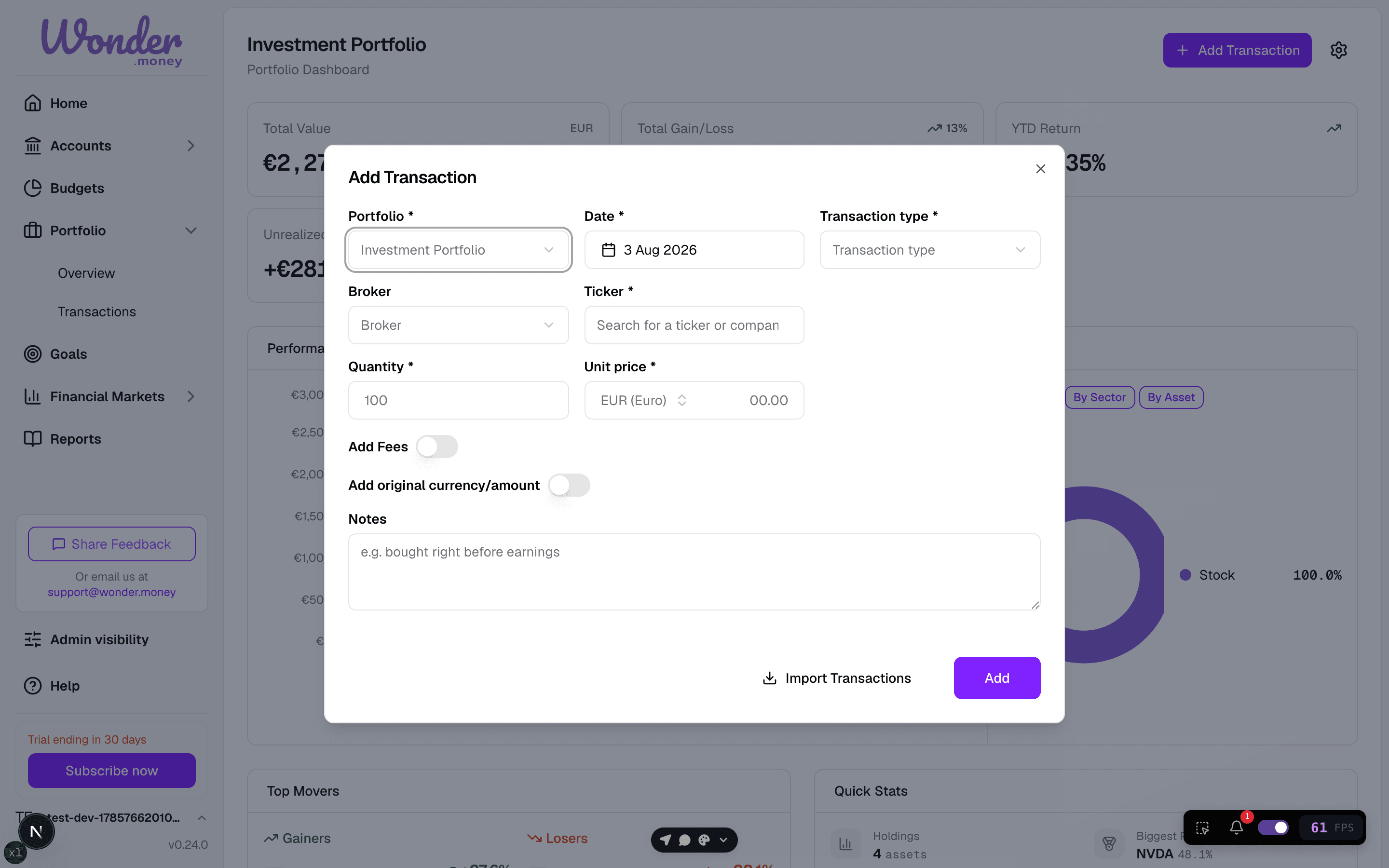
Supported transaction types
- Buy
- Sell
- Dividend or distribution
- Fee or commission
- Other portfolio cash movement, when relevant to your broker export
What to include
- Trade date
- Asset or ticker symbol
- Quantity
- Price
- Fees
- Currency
Why this matters
Transactions are used to track how your holdings changed over time. They help explain cost basis, realized gains, and how your portfolio value evolved.
Common mistakes
- Entering only the latest trade and leaving out earlier ones.
- Ignoring fees.
- Using a transaction that belongs to another portfolio.
- Treating cash transfers as investment performance.