Portfolio & Investments
Troubleshoot Portfolio Imports
Fix common portfolio CSV import problems.
If an import fails or the numbers do not look right, work through the checks below.
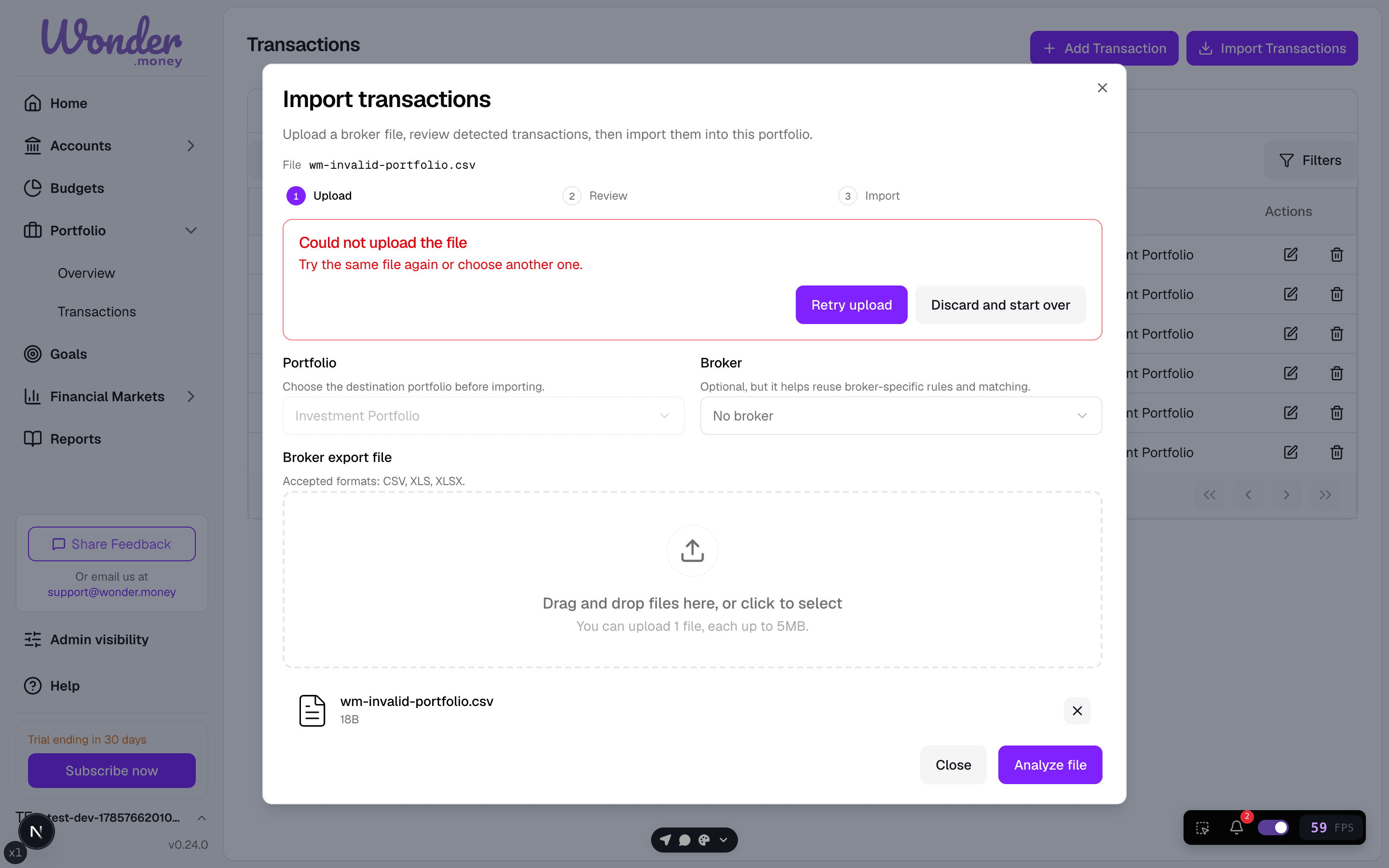
Common issues
- The file is not a CSV export from the broker.
- Required columns are missing.
- Tickers or identifiers do not match the asset list.
- The same rows were imported earlier.
- Currency or decimal separators do not match the file format.
What to do
- Re-export the file from the broker.
- Confirm you are importing into the correct portfolio.
- Check the preview for duplicates or missing values.
- Fix the source file if dates, quantities, or currencies are wrong.
- Re-run the import only after the preview looks correct.
When to contact support
Contact support if the file is valid but the importer still rejects it, or if rows import successfully but the resulting holdings are clearly wrong.