Portfolio & Investments
Create Portfolio
Create a new investment portfolio in WonderMoney.
Create a portfolio when you want to group a set of holdings, transactions, and performance into one investment view.
When to create one
- You use more than one broker or account.
- You want to separate long-term investing from other holdings.
- You manage different strategies and want separate performance views.
How to create it
- Open Portfolio investments.
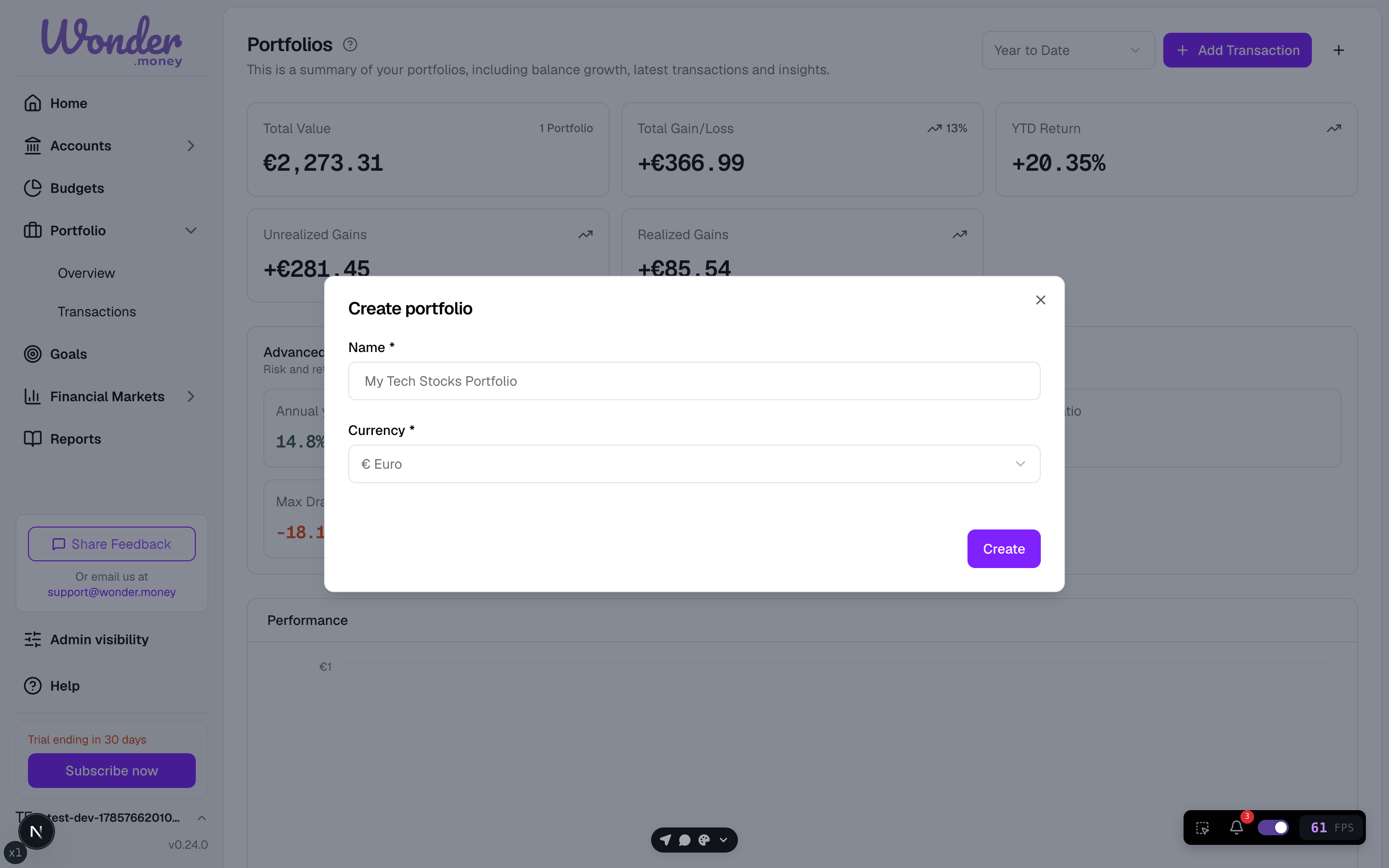
- Choose Create portfolio.
- Enter a name that matches the account or strategy.
- Pick the currency used by the portfolio.
- Save, then add holdings or import transactions.
Good naming patterns
- Broker name plus account type, such as
DEGIRO Long Term. - Strategy name, such as
ETF Core. - A clear purpose, such as
RetirementorKids savings.
Common mistakes
- Reusing one portfolio for unrelated goals.
- Choosing the wrong currency.
- Waiting to add data until the portfolio is fully complete. You can create it first and fill it later.