Portfolio Data Lifecycle
Understand how portfolio data moves through import, resolution, pricing, snapshots, and history.
WonderMoney portfolio data moves through a staged lifecycle. Some parts can be ready before others, so holdings, prices, snapshots, and history may not update at the same moment.
Current lifecycle
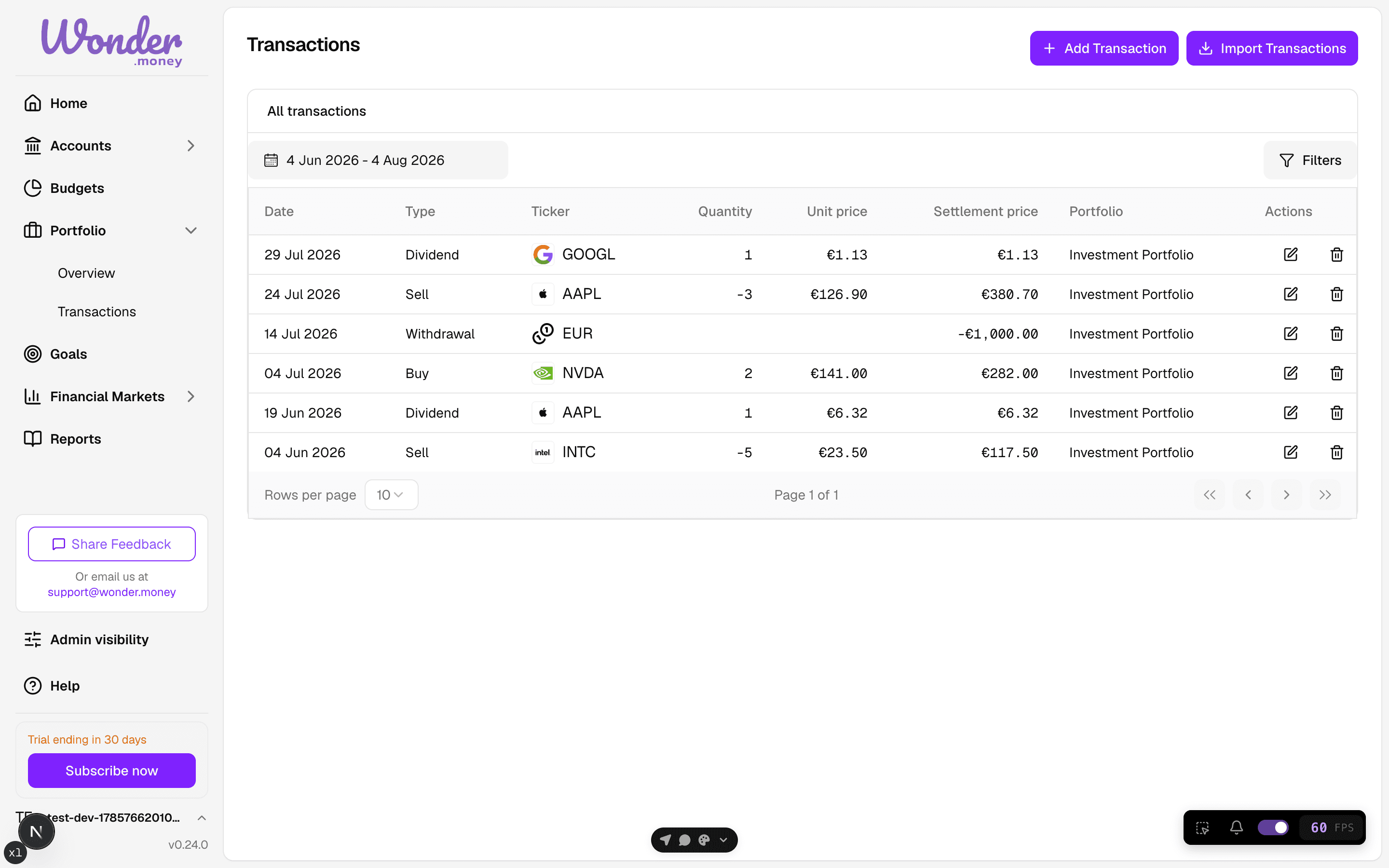
- Manual transaction or CSV import creates or updates portfolio transactions.
- Asset resolution matches symbols, ISINs, or broker labels to a financial asset.
- Price updates fetch current market prices when coverage exists.
- Snapshot refresh rebuilds daily portfolio snapshots for the affected range.
- History readiness reflects whether the portfolio has enough coverage for charts and metrics.
What users should expect
- Holdings can appear before full performance history is ready.
- CSV import can succeed even if some rows need asset resolution later.
- Some charts or metrics may show partial or processing states while background work finishes.
- Missing history does not always mean an error; it can also mean coverage is still being built.
Status vocabulary
This docs set uses the following status language:
- ready: the surface can usually be trusted.
- processing: background work is still catching up.
- partial: the surface is usable but incomplete.
- needs_action: the user should resolve an import or asset issue.
- unavailable: reserved in docs for a future or backend-emitted state; do not assume it is active today.
Data lifecycle notes for developers
- Manual transactions and CSV imports share the same end goal: persisted transactions plus refreshed portfolio views.
- Import rows with unresolved assets should be reported clearly instead of silently guessed.
- Historical price coverage is on-demand and may be incomplete for older dates.
- Snapshot rebuilds can lag price updates, especially after imports with historical BUY/SELL activity.
- Current docs should avoid promising pre-save row review unless a specific review flow is implemented.