Create an account
Create your WonderMoney account, pick your country, and add your first account.
Create your account with the same email you will use to sign in later. The first-run flow takes you through account creation, the country picker, and the first account before you reach the dashboard.
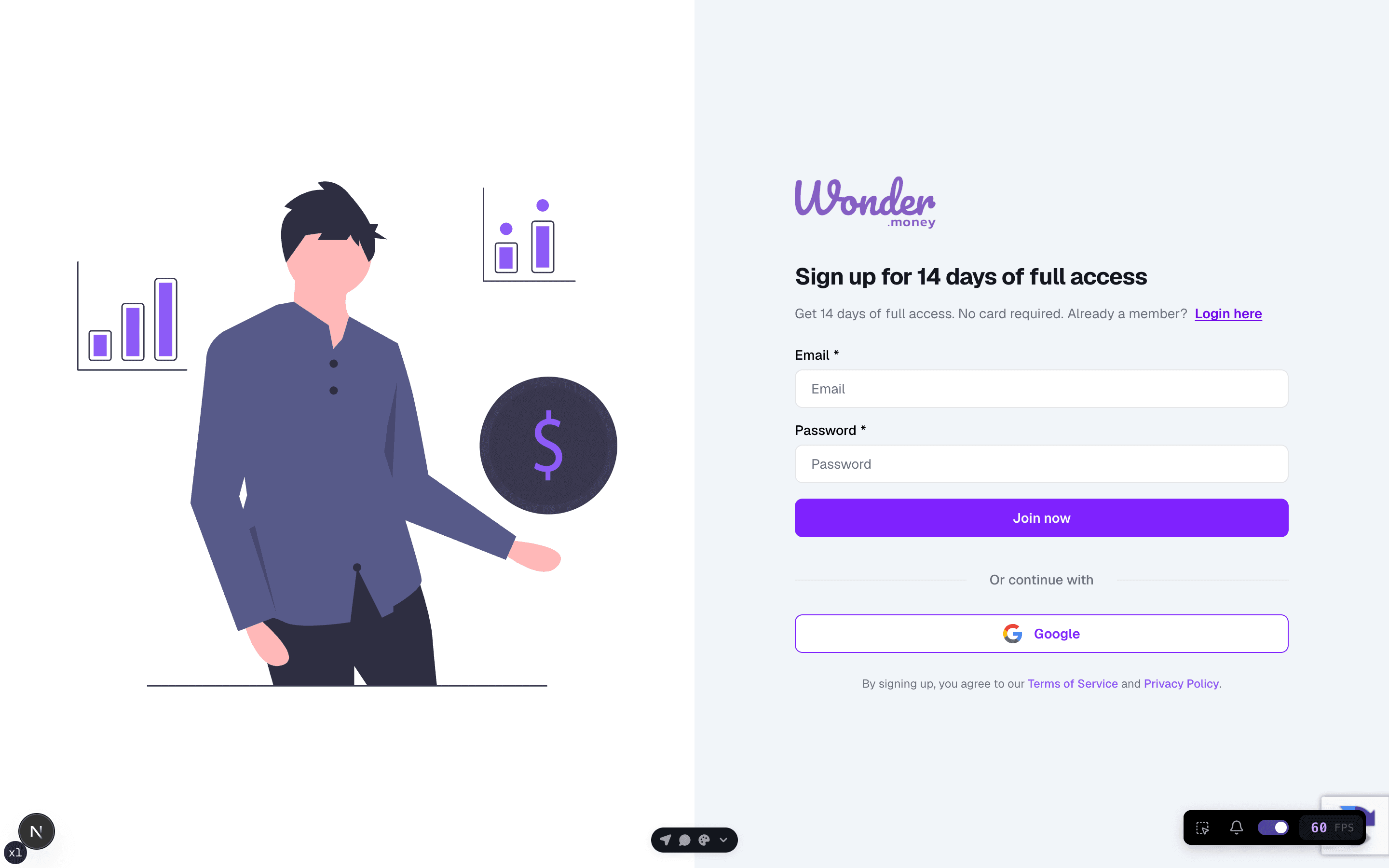
Before you start
Make sure you can access the inbox for the email address you plan to use. If your household already uses WonderMoney, you will join it during signup using the invite link your household partner sent you.
Steps
- Open the signup form.
- Enter your name, email address, and password.
- Submit the form and complete the first sign-in.
- Pick your country when the onboarding asks for it.
- Add your first account and finish the onboarding.
Pick your country
The country selector is part of the account step. Choose the country where your bank operates; WonderMoney uses it to show the right banks and connection options.
Add your first account
You can add an account by connecting a bank directly from this step, or by creating an offline account that you update manually.
- Connect a bank inline: choose your bank, approve access with the provider, and wait for the first sync. See Connect bank account.
- Add an offline account: enter the name, currency, and starting balance. See Manual offline account.
If you leave the flow
The redirect from sign-in to the app validates your onboarding state on the server, so an out-of-date page cannot leave you stuck. If approval takes you away to Enable Banking and back, onboarding resumes from the right step and the sync status keeps updating until the connection is ready.
Finish onboarding
Reaching the final onboarding step marks your first run complete, so the dashboard renders normally on the next sign-in.
Review your account
After signup, check that your email address is correct and that you can reach the dashboard. If the account was created with the wrong email, sign out and create a new account with the address you want to keep.
Common issues
- The email is already in use.
- The password does not meet the required length or complexity.
- The inbox does not receive the confirmation or reset message.
- The browser kept an old session open.
- The onboarding does not advance after returning from the bank approval page.