Start Here
Sign in and recover a password
Sign in securely and recover access when you cannot get in.
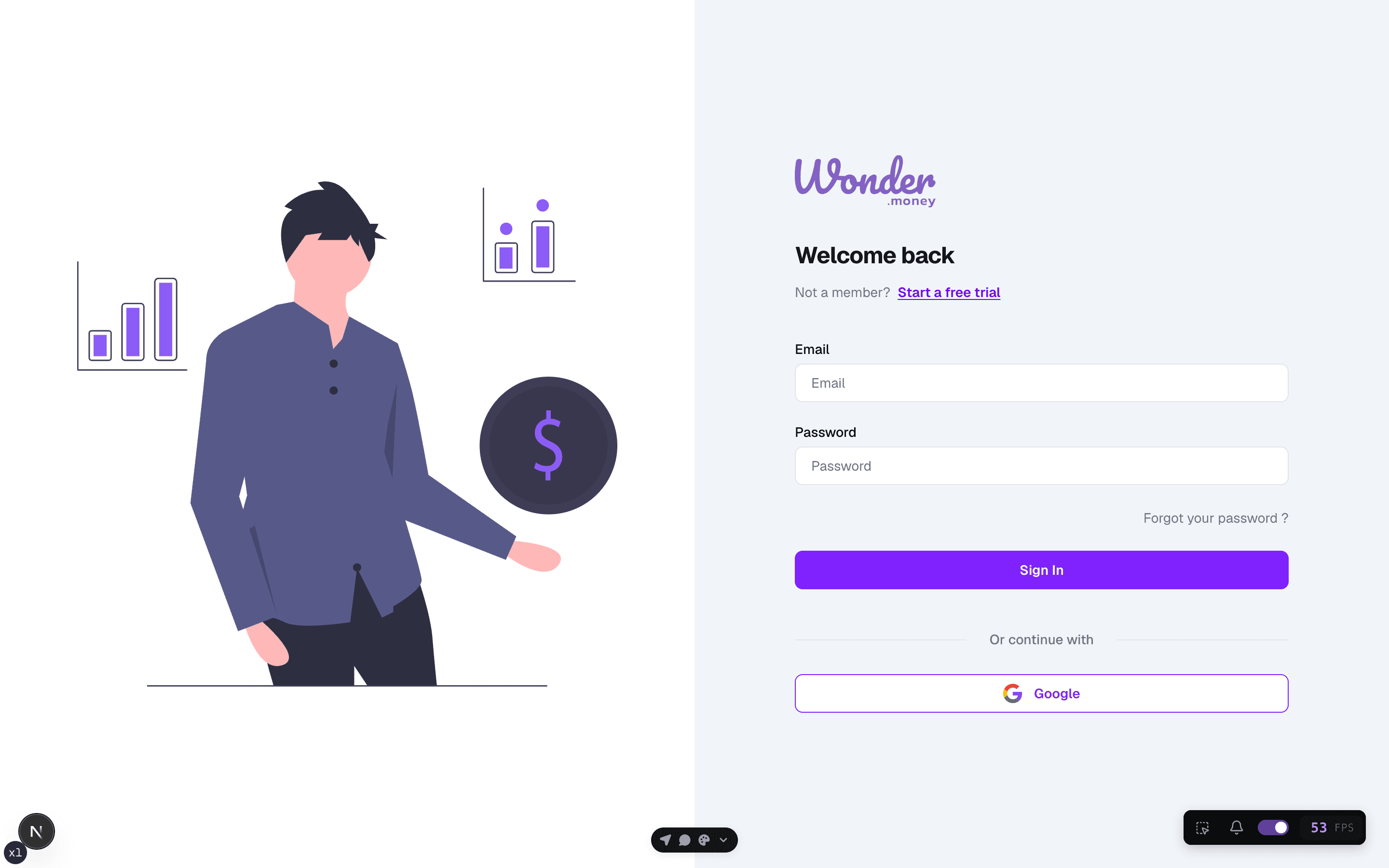
Use the sign-in form with the email and password tied to your WonderMoney account. If you cannot access the account, use the recovery flow before creating a new profile.
Before you start
Have access to the inbox for your registered email address. If multi-factor authentication is enabled, keep the verification device nearby.
Steps
- Open the sign-in page.
- Enter your email address and password.
- Complete any MFA challenge.
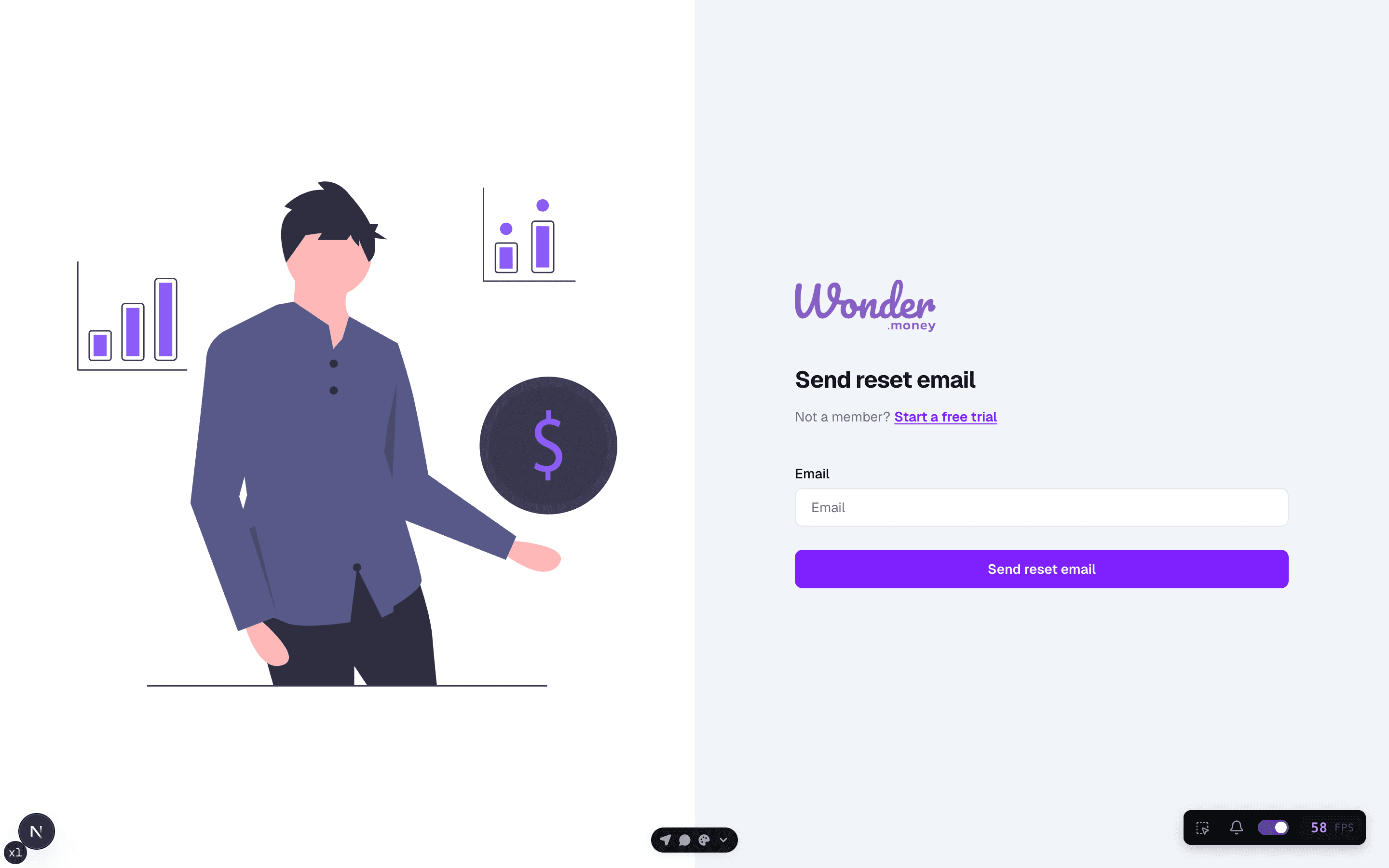
- If needed, request a password reset and follow the link in your email.
Review access
After you sign in, confirm that the dashboard loads with the right user profile. If you changed your password, sign in again on any other devices you use.
Common issues
- The password reset email is delayed or filtered.
- The email address does not match the account.
- MFA codes have expired or were entered too late.
- A saved browser session is pointing to an older account.