Start Here
Multi-factor authentication
Set up and use multi-factor authentication for sign-in.
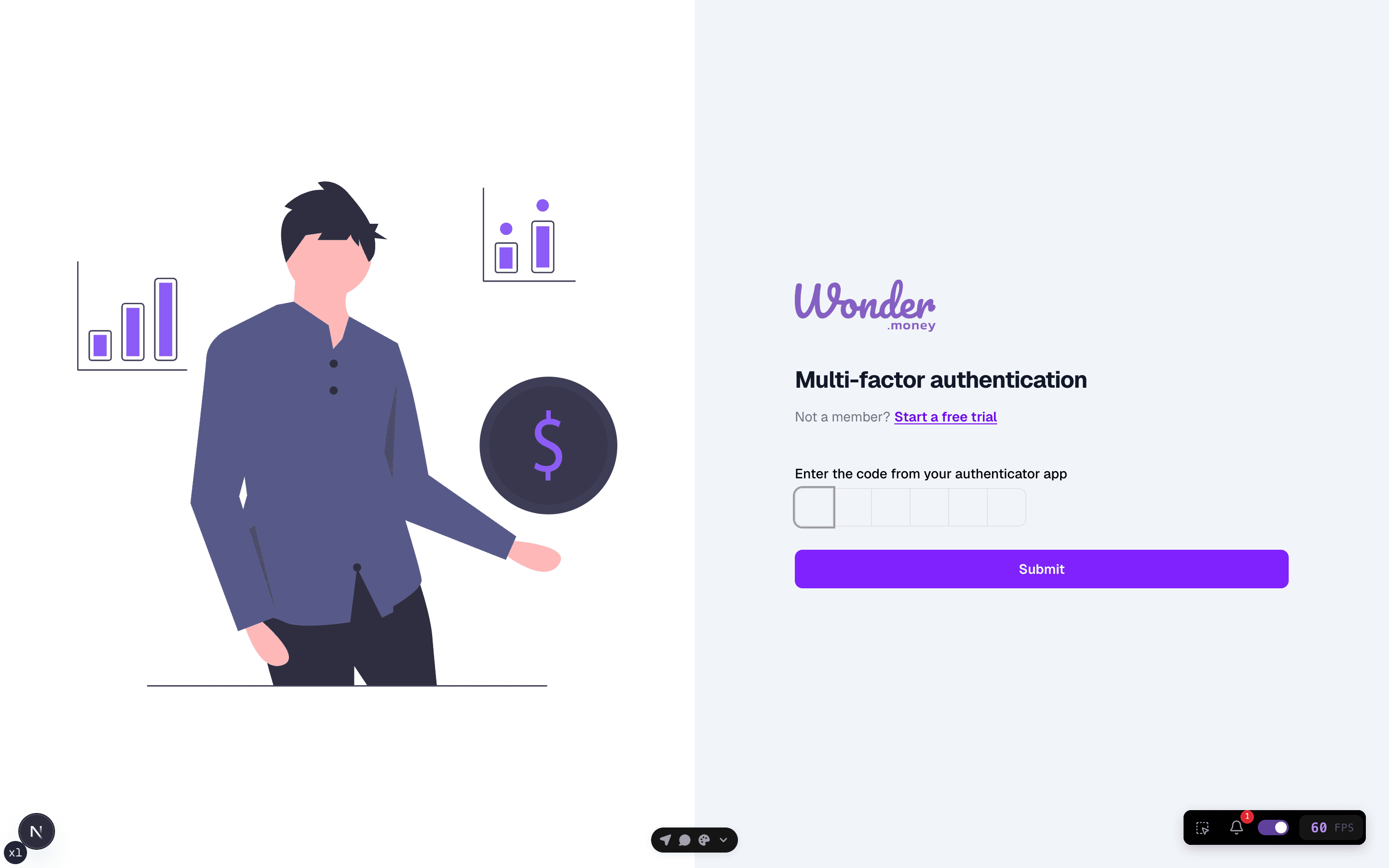
Multi-factor authentication adds a second check at sign-in. When it is enabled, you confirm your identity with a code or another approved method before the session opens.
Before you start
Keep access to the phone, authenticator app, or backup method tied to the account. If you are changing devices, make sure the old method still works until the new one is ready.
Steps
- Sign in with your email and password.
- Enter the verification code or approve the prompt.
- Save any backup codes if they are provided.
- Confirm that the session opens normally.
Review your setup
Test the sign-in flow once after setup so you know the second factor works before you need it. If you rely on backup codes, store them in a safe place separate from the device you use every day.
Common issues
- The code expired before it was entered.
- The authenticator app is on a replaced or reset device.
- Backup codes were used up or stored in the wrong place.
- The browser is asking for a new challenge after sign-out.