Financial Markets
Search Stocks and ETFs
Search for stocks and ETFs by ticker, name, or keyword.
Use search to find a listed instrument before you view it, add it to a watchlist, or compare it against other assets.
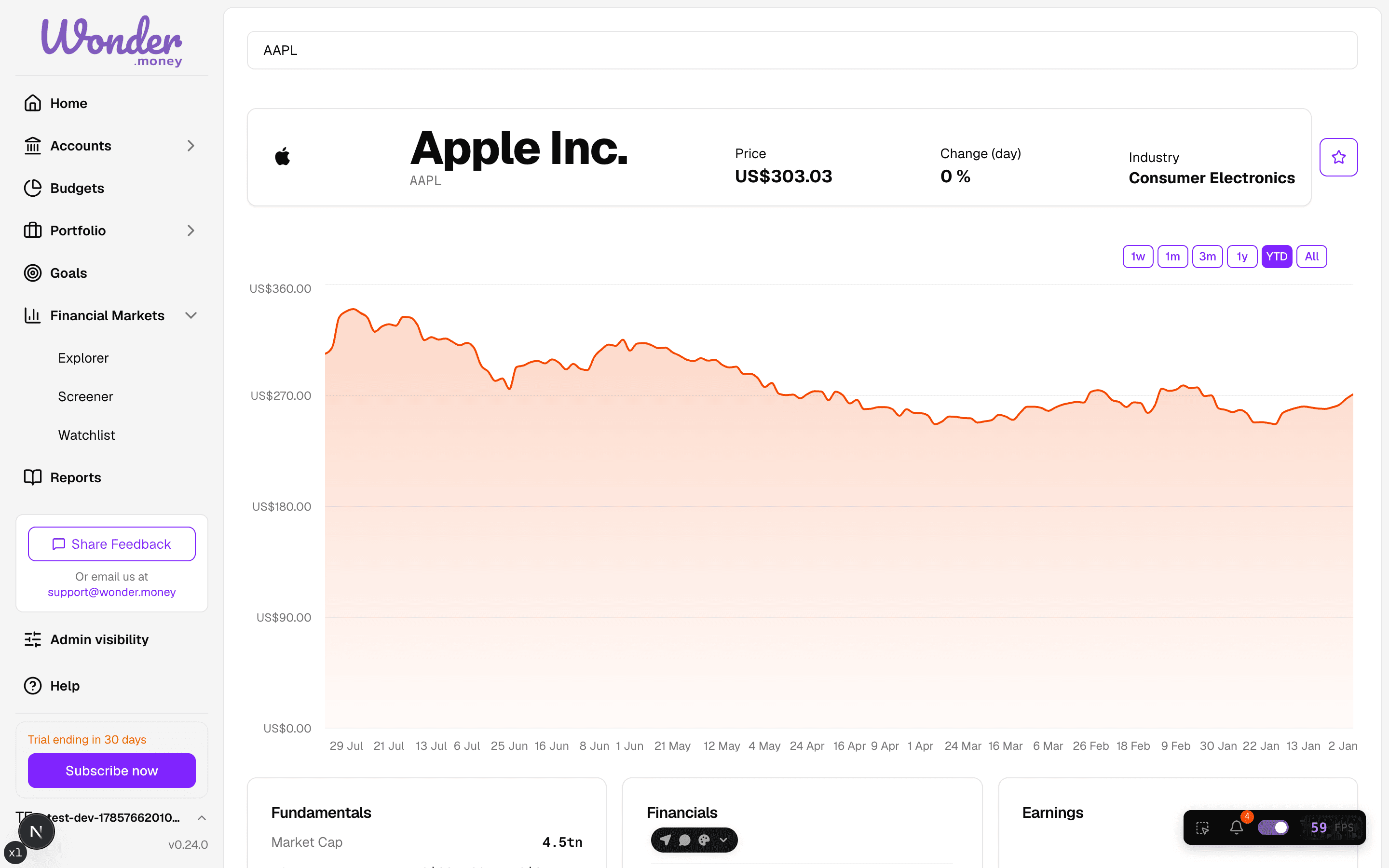
How search works
- Search matches tickers, asset names, and keywords.
- The primary listing for your term is ranked first in the results.
- Results refresh as you type. The field waits briefly after you stop typing before it fetches new results.
Search behaviour
- Use the keyboard to move through the results and press Enter to select one.
- When you focus the search field, any existing text is selected, so you can start typing and replace it cleanly instead of clearing it by hand.
- An empty search field is safe: no results are shown and no error is raised. Type a few characters to see matches.
Search tips
- Search by ticker first if you know it.
- Try the asset name if the ticker is not obvious.
- Use broad keywords when you are exploring a market or sector.
What the results are for
- Opening the asset detail page.
- Adding an asset to your watchlist.
- Checking the market data before importing it into a portfolio.
Common mistakes
- Choosing the wrong share class or exchange listing.
- Assuming similar names mean identical assets.
- Using search results as a buy or sell signal.